

When parents look for a digital reading platform, one of the first questions they ask is: Is Epic good and safe for kids? In many cases, the answer is yes — but it depends on the child’s age, reading level, and the family’s preferences. Epic is generally seen as a high-quality educational platform for children because it offers a large digital library, parent-facing controls, and a curated environment focused more on reading and learning than on passive entertainment. Unlike open-access video platforms, Epic says its library is curated for children, but parents should still review content choices based on their child’s age and their family’s preferences.
Families often turn to Epic to bridge the gap between school and home literacy. Whether you are looking for picture books to help a preschooler or graphic novels to engage an older child, the app provides a structured way to engage with reading on a device. By combining books, audiobooks, videos, and Read-To-Me features, it can make screen time more purposeful. This review looks at the features, safety considerations, and educational benefits that make Epic a popular choice for many families.
What Is Epic
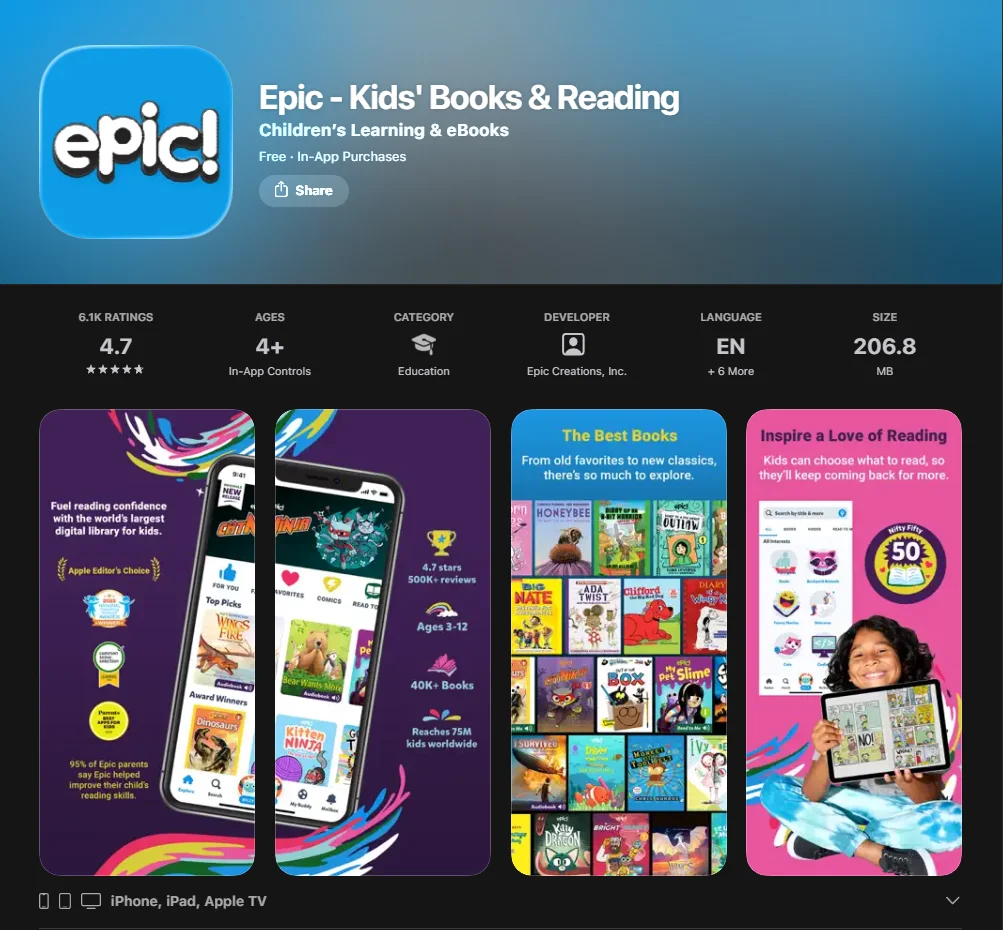
At its core, Epic is a digital reading platform designed for children aged 12 and under. It acts as a massive, portable library that houses over 40,000 titles from well-known publishers. Instead of buying individual digital books, families subscribe to Epic for access to a large library of fiction and nonfiction titles.
The app is designed to be an all-in-one reading platform that supports literacy development. It doesn’t just offer traditional text; it includes educational videos, read-to-me books, and audiobooks that help children develop literacy skills at their own pace. Its main goal is to make reading feel engaging and accessible while still offering the depth of a digital library.
App Overview
Epic operates as both a reading app and a comprehensive learning platform. Available on iOS, Android, and web browsers, it allows kids to switch between their tablet and a computer seamlessly. In classrooms, teachers can use Epic School to assign books and support reading during school hours, while the home version allows parents to curate a personal collection to suit their children.
Who Epic Fits Best
While the platform has a broad appeal, it is particularly beneficial to:
- Early Readers: Children who benefit from Read-To-Me support and high-quality picture books as they build reading confidence.
- Reluctant Readers: Kids who are more likely to pick up a comic or a graphic novel than a thick chapter book.
- Independent Readers: Students looking to expand their knowledge on a specific topic, such as science or history.
- Visual Learners: Children who engage better when text is paired with high-quality educational videos or interactive elements.
Why Families Choose Epic
Parents often choose Epic over general entertainment subscriptions such as Netflix because it is built around reading and learning, even though it also includes more entertainment-driven content. The digital library includes premium content from partners like National Geographic Kids, Sesame Street, and Smithsonian. Partnerships with well-known brands can give parents more confidence that the library is curated for quality, not just size.
What Parents Need to Know
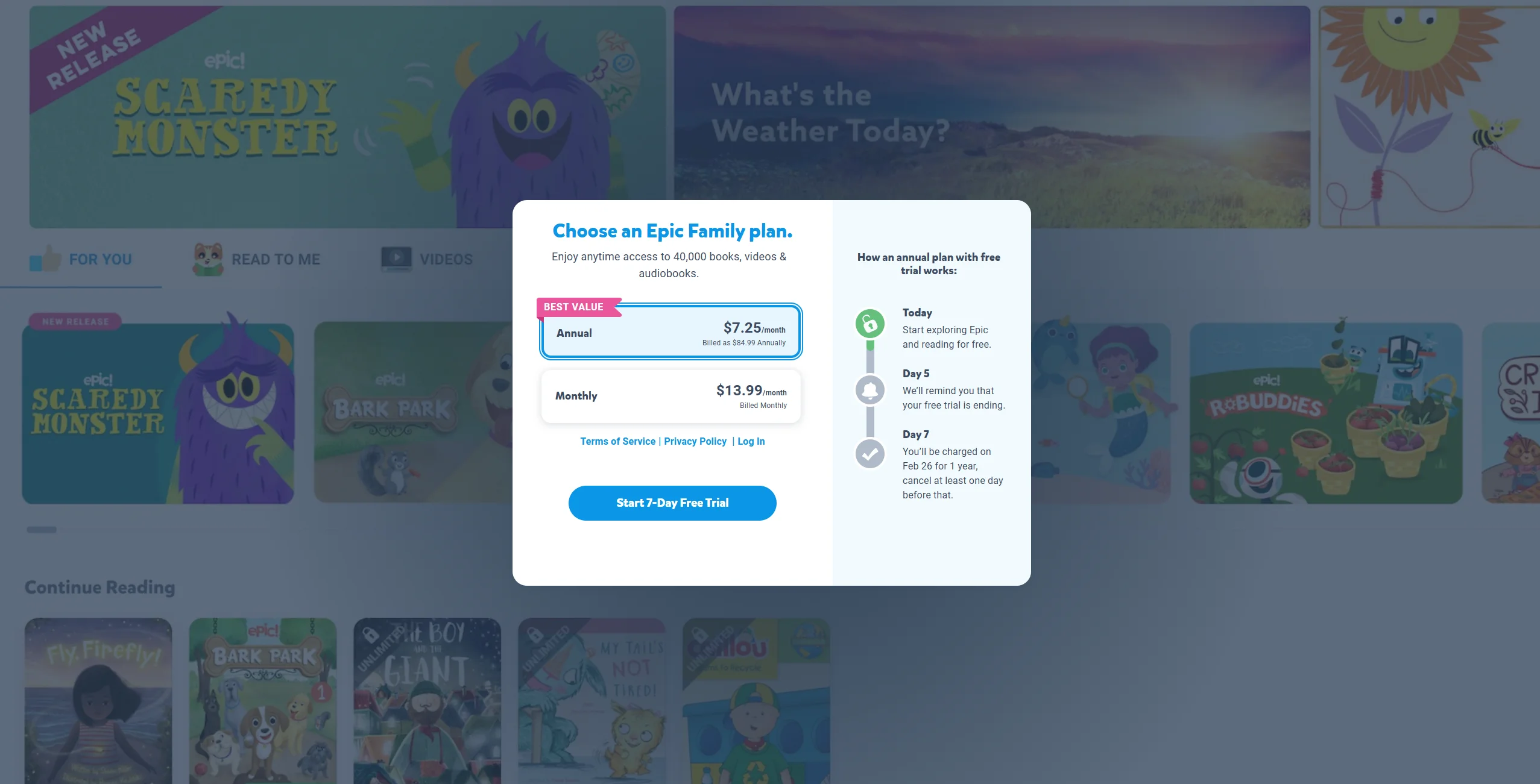
Before starting a free trial or committing to a subscription, there are several practical aspects of the app that parents need to know. Epic is designed to be a child-focused environment with fewer distractions than open platforms, and it does not operate like an ad-driven content feed. Parents should still review current policies and app behavior for themselves.
| Feature | Description |
| Child Profiles | Supports up to 4 child profiles on one account. |
| Content Variety | Includes books, audiobooks, videos, and quizzes. |
| Offline Access | Ability to download books to read without Wi-Fi. |
| Progress Tracking | Tools that let parents track books read and time spent reading. |
Main Features for Families
The app allows you to create individual child profiles, which is essential for families with multiple children of different ages. This ensures that a 5-year-old sees age-appropriate books like picture books, while a 10-year-old is recommended chapter books and graphic novels. The parent dashboard is easy to use and lets you monitor what your child is reading through in-app tracking and progress reports.
Why Epic Works Well for Kids
The interface is bright and intuitive, and it uses gamified elements to keep kids engaged in reading. Children can earn badges and rewards for hitting reading milestones, which fuels curiosity and keeps them coming back. The dictionary tool is another standout feature; kids can tap unfamiliar words to hear pronunciation and view definitions, which may help build vocabulary over time.
How Epic Supports Healthy Screen Time
Unlike apps that encourage endless scrolling through short-form video content, Epic encourages deep focus. Because the platform centers on reading, many parents may see this as higher-quality screen time than short-form entertainment apps. It encourages a “reading habit” rather than a “scrolling habit,” making it a resource that many parents and teachers feel comfortable using daily.
How Epic Works
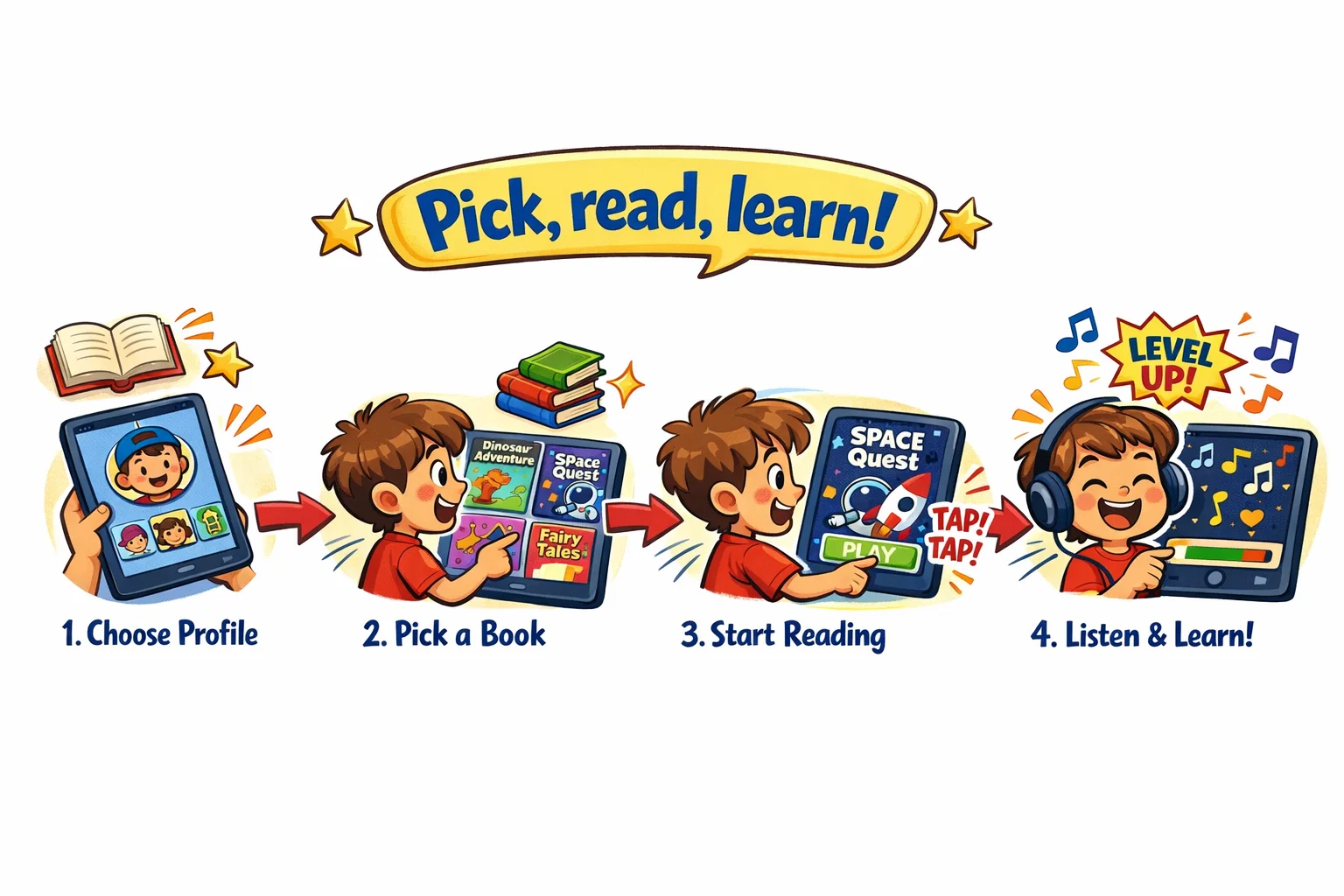
Epic is designed to be simple enough for many children to navigate on their own. Once the app is opened, the user is greeted with a personalized dashboard based on their level and interests.
How Kids Find Books and Videos
Children can explore the library through several filters:
- Search Bar: Search for a specific title, author, or topic.
- Categories: Browse by genre, such as nonfiction, fantasy, or mystery.
- Recommended: personalized suggestions based on previous reading activity.
- Brand Partners: Dedicated sections for National Geographic, Sesame, and other well-known creators.
How Reading Experience Feels
When a child opens a book, the digital pages are crisp and easy to turn. In Read-To-Me books, the text is highlighted as the narrator speaks, which can be a useful support for early literacy. The audiobooks section offers longer audiobooks for older children who want to listen to a story while doing other activities.
How Profiles and Progress Help Parents
Every time a child finishes a book, they may earn a badge or level up their “Reading Buddy”—a digital character that grows with them. For parents, these features can provide a useful sense of reading progress and engagement. You can see exactly how many pages were turned and how much time was spent on each topic, helping you identify what your child is most passionate about.
Epic Safety for Kids
Safety is a major concern for any parent introducing a new app. Epic addresses this by creating a walled garden. The platform does not function like a social network, and it is designed to limit exposure to open communication and unsuitable content. Even so, parents should still review content choices for age fit.
Content Safety
The platform is strictly curated. Epic says its library is curated for children and organized by age and reading level, but parents should still decide what is appropriate for their own child. This means parents don’t have to worry about their child accidentally stumbling upon content meant for teens or adults. The educational videos are also filtered to focus on DIY, science, and learning-based entertainment.
Privacy and Account Use
Epic states that it follows child privacy requirements, but parents should still review the current privacy policy, terms, and app data disclosures before subscribing.
Why Epic Feels Safe for Daily Use
Because the app is built for elementary education, the atmosphere is one of a digital classroom rather than a commercial marketplace. Subscription settings are intended for parents, which may reduce the chance of accidental purchases, but families should still review device-level purchase controls.
Epic Parental Controls
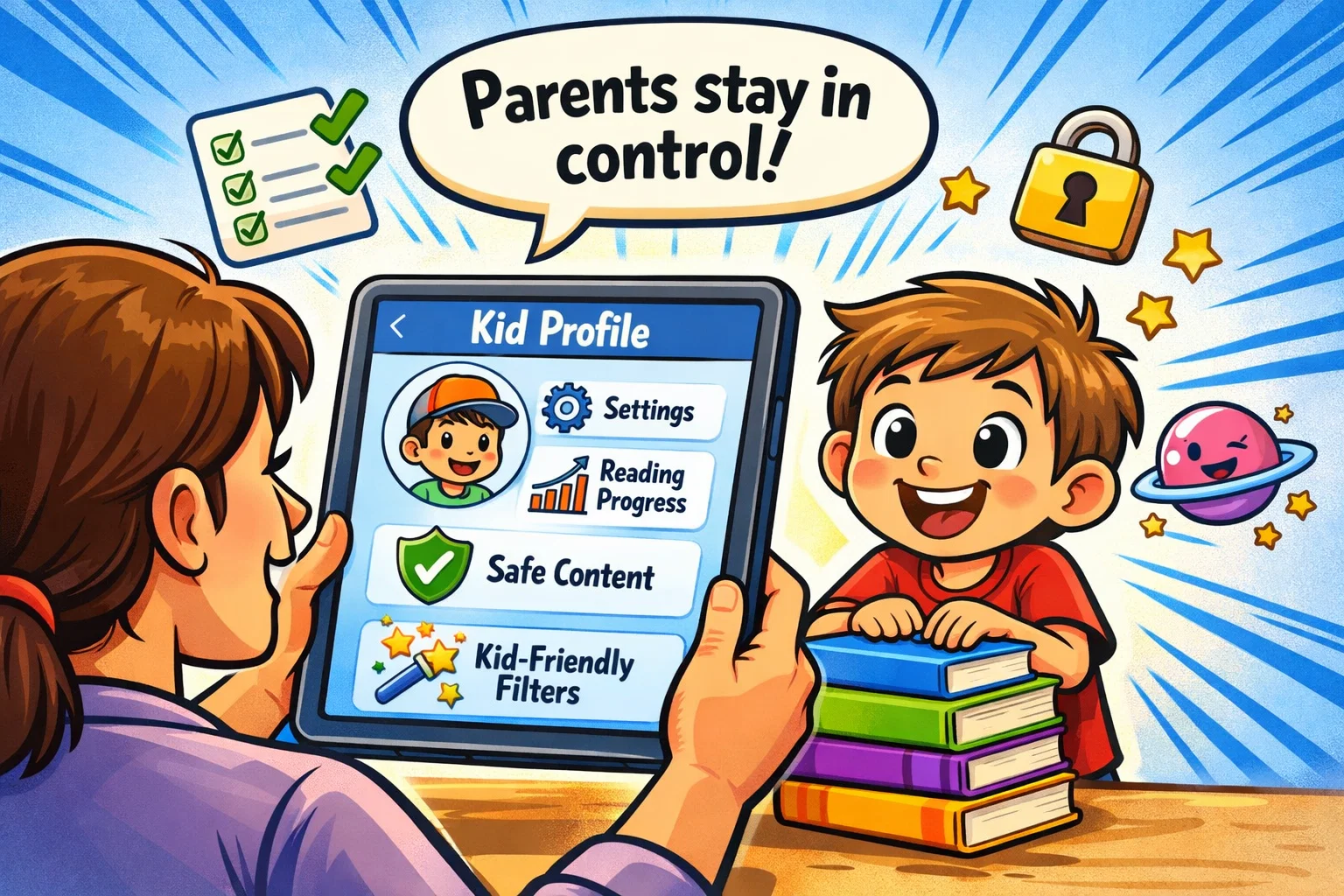
Epic provides a Parent Dashboard where families can manage profiles, review reading activity, and access subscription settings.
Profile Settings for Children
You can personalize each child profile by age, interests, and reading level recommendations. If you find your child is breezing through books too quickly, you can adjust their level settings to suggest more challenging chapter books.
Reading Monitoring Options
Parents receive regular “Reading Logs.” This transparency is helpful to:
- Checking if a child is actually reading or just flipping pages.
- Seeing which topics are capturing their interest.
- Ensuring they are meeting their daily reading goals.
Step-by-Step Parent Setup Guide
- Download the app on your preferred device (iOS, Android, or desktop).
- Sign up for a free trial to test the features.
- Create up to 4 child profiles, entering their age and interests.
- Set reading goals or “favourite” a few titles to get them started.
- Review the subscription costs (per month or per year) in the settings.
Age Fit
Epic is generally aimed at children ages 12 and under, though it may be especially useful during the elementary school years.
Best Age Range for Epic
- Ages 2-4: Focus on read-to-me books, picture books, and Sesame Street content.
- Ages 5-8: Transition to early readers, science topics, and National Geographic Kids.
- Ages 9-12: Focus on graphic novels, longer audiobooks, and more complex nonfiction.
Epic for Early Readers
To assist those just starting, the read-to-me functionality is a significant resource. It allows children to enjoy stories independently even if they haven’t mastered every word, which builds reading confidence.
Epic for Independent Readers
Older children can use the app to explore niche interests. If a child becomes obsessed with ancient Egypt or coding, the digital library has dozens of titles to satisfy that curiosity.
Benefits of Epic
The benefits of using a digital reading platform like Epic go beyond just convenience; they directly impact a child’s academic development.
Reading Skills Growth
Epic offers features that may support reading practice and engagement, but broad claims about literacy gains should ideally be supported by independent research.
Learning Through Topics Kids Love
Whether it’s National Geographic animal facts or DIY craft videos, the app uses a child’s natural interests to drive learning. This makes education feel like a choice rather than a chore.
Convenience for Parents
Having a digital library on your device means you have thousands of books available during long car rides, in doctor’s waiting rooms, or during quiet time at home. It eliminates the “I have nothing to read” complaint.
Why Epic Might Be Great for Families
Every family has different needs, but Epic can be a strong option for parents who want to balance technology use with reading-focused habits.
Motivation for Reluctant Readers
To help a child who finds physical books intimidating, the interactive nature of a tablet app can be a bridge. The inclusion of comics and educational videos makes the platform feel less like “schoolwork” and more like fun.
Flexible Reading for Busy Schedules
You don’t need an hour to use Epic. Even a 10-minute session before bed or during a break in school hours can contribute to a child’s reading habit.
Strong Match for Home Learning
For homeschooling families, Epic can be a useful resource. It provides instant access to nonfiction references on almost any topic, making it a great tool for research projects.
Ratings and Family Feedback
Overall, Epic receives many positive reviews from parents and educators, although user feedback also includes complaints about billing, subscription access, and support.
What Parents Usually Praise
- Content Selection: The sheer number of books and the inclusion of well-known brands.
- Ease of Use: Children can navigate the app with minimal help.
- Educational Value: It is a rare app that parents feel good about their kids using for hours.
What Kids Usually Enjoy Most
Kids often enjoy the badge system and the freedom to choose their own books. The freedom to explore different genres without needing a parent to buy a new book every time is a major highlight for them.
Why Review Signals Matter
Reading user reviews can also help parents understand common strengths and complaints, including issues related to billing or cancellation. While some may find canceling subscriptions or customer service tricky in some apps, Epic provides an official cancellation path, but some parents report difficulties with billing, cancellation, or customer service.
Topics Kids Can Explore in Epic
The variety of topics is one of the app’s greatest strengths. It isn’t just about stories; it’s about information.
Popular Book Categories
- Animals: Large collections, including titles from brands such as National Geographic Kids.
- Fantasy & Adventure: To engage the imaginative reader.
- STEM: Science, Technology, Engineering, and Math.
Educational Topics for Curious Kids
The platform includes a wealth of nonfiction that fuels curiosity about the world. From space exploration to history, the digital library covers a wide spectrum of knowledge.
Topic Variety for Different Personalities
Whether your child is a budding scientist, a future artist, or a history buff, they will find age-appropriate books tailored to their unique personality.
Conversation Starters for Parents and Kids
Epic shouldn’t just be a solo activity. You can use it as a springboard for family discussions.
Questions After Reading
- “What was the most interesting fact you learned in that National Geographic book?”
- “Which character in the comic was your favorite and why?”
- “If you could change the ending to that title, what would happen?”
How to Turn Reading Into Family Habit
Set a “Family Reading Hour” where everyone, including parents, reads their own book. Use Epic on a shared device or cast educational videos to the TV to enjoy a group learning session.
Ways to Extend Learning Offline
If your child reads a book about gardening on Epic, try planting some seeds in the backyard. Connecting digital learning to real-world activities reinforces the information.
Where to Find Epic
Getting started with Epic is a straightforward process.
Devices and Platforms
Epic is available on:
- iOS (iPhone and iPad)
- Android (Phones and tablets)
- Web Browsers (Laptops and Desktops)
How to Start Using Epic
- Visit the official website or app store.
- Choose a monthly or annual subscription plan.
- Take advantage of the free trial to explore the library.
- Set up your child profiles and start reading.
Best Way to Use Epic at Home
For the best reading experience, a tablet may be more comfortable than a phone. Ensure you have the app updated to the latest version to avoid any technical glitches. If you plan to travel, remember to download a few titles to use offline.
Guides and Resources for Parents
Quick Parent Guide
- Check the reading log: Spend five minutes each week reviewing your child’s activity.
- Explore Together: Occasionally read a read-to-me book with your child.
- Set boundaries: Use household rules and device settings to manage screen time alongside Epic’s parent tools.
Resources for Reading Support
If your child struggles with reading, encourage them to use the audiobooks or read-to-me features. These tools are designed to help kids who find traditional text difficult.
Legal and Family Policy Notes
While this is a positive review, it is important to be aware of the “fine print” in any subscription service.
Terms Parents Should Review
Always check the subscription costs and renewal dates. Many complaints about subscription apps stem from misunderstood renewal terms or cancellation policies. Epic is a legitimate platform, but like any subscription, you must cancel manually if you no longer wish to be charged.
Privacy Notes for Families
Review how the app uses child profiles. Parents should stay informed by reviewing Epic’s latest privacy policy, terms, and app-store data disclosures.
Is Epic Good for Kids Final Verdict
Overall, Epic is a strong digital reading platform for many families, but parents should still consider content fit, privacy terms, and subscription details before deciding whether it is right for their household. It successfully combines a massive library with a kid-safe interface that encourages reading without the distractions of ads or inappropriate content.
Best Reasons to Choose Epic
- Access to 40,000+ titles.
- A wide mix of books, audiobooks, and educational videos.
- Helpful parent tools and reading-progress tracking.
Who Will Benefit Most
Families with elementary school-aged children who want to turn screen time into a learning opportunity will find the most value. It is an excellent resource for both independent and reluctant readers.
Why Epic Suits Kids Well
Epic works well for many children because it supports curiosity-driven reading in a more structured environment than most entertainment apps. Its broad library, child profiles, and reading tools make it especially appealing for families who want screen time to feel more purposeful.