

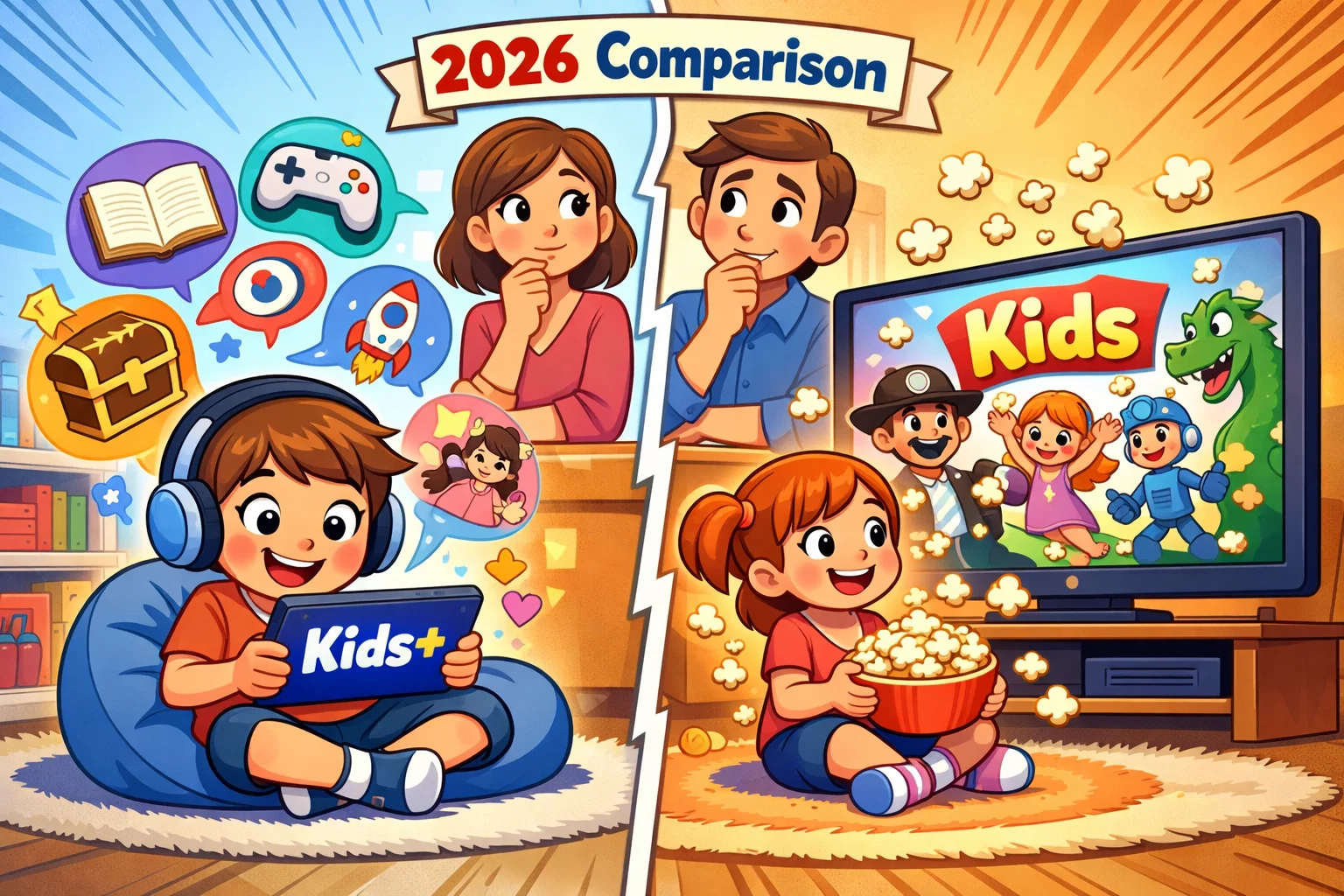
Amazon Kids+ vs Netflix Kids Comparison
Choosing the right digital environment for a child has become a complex task for modern parents. In 2026, the streaming landscape has shifted from simple video libraries to integrated digital ecosystems. While both Amazon Kids+ and Netflix Kids are widely used platforms, they serve different roles in a child’s digital experience. One acts as an expansive educational playground, while the other serves as a premium entertainment hub.
This evaluation examines how these platforms perform in a typical household setting. This analysis compares their subscription models, safety protocols, and content depth to help you decide which service aligns best with your family’s values and the specific age group of your child.
Amazon Kids+ Overview
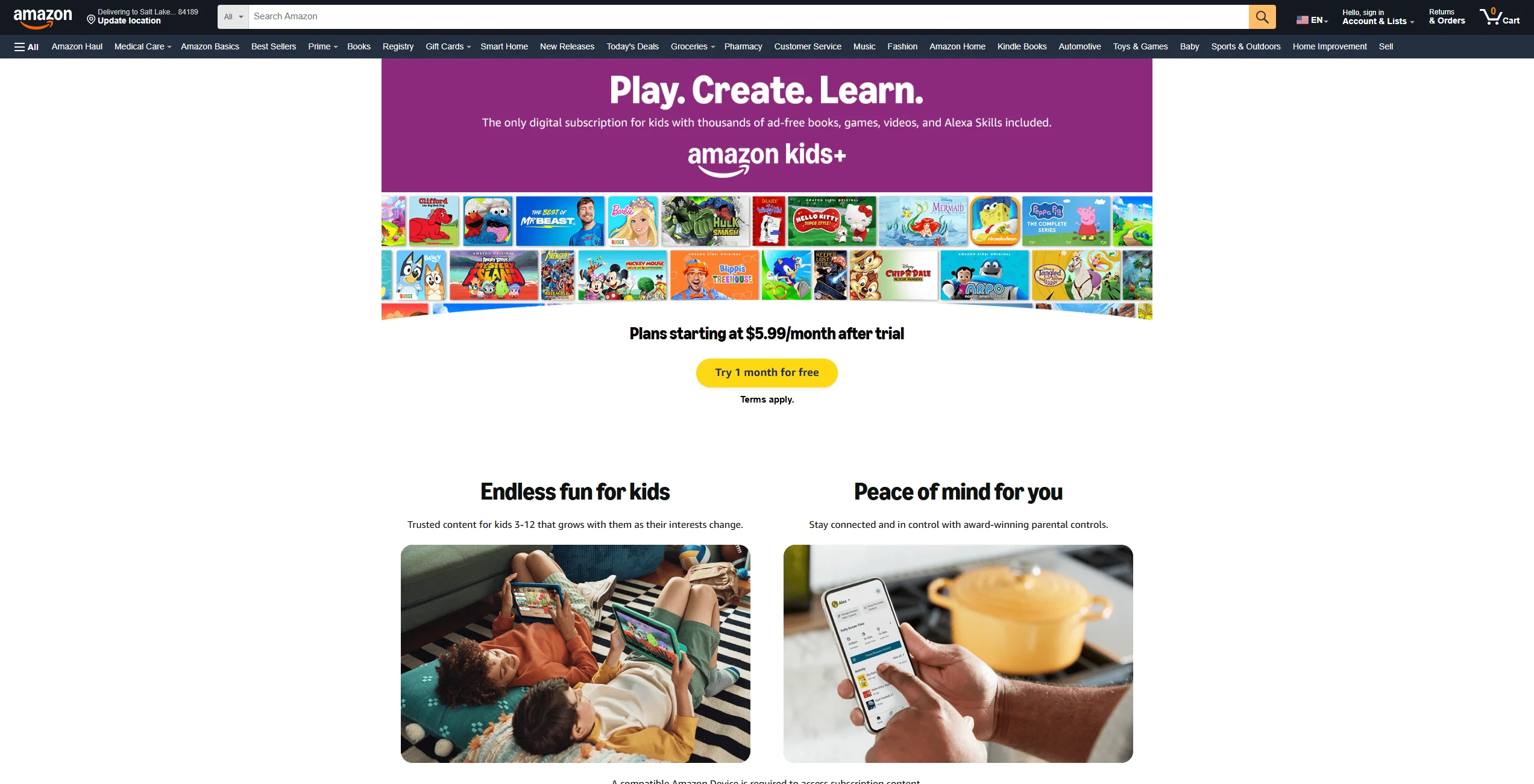
Amazon Kids+ is not just a video streaming service; it is a holistic subscription ecosystem designed for children aged 3 to 12. Unlike traditional platforms that focus solely on shows and movies, Amazon has built a “walled garden” that integrates multiple forms of media into a single interface.
The service is built on the foundation of Amazon Kids (the free version), but the “+” tier unlocks a massive library of premium content. On supported devices, it can replace the standard tablet interface with a child-focused experience. In 2026, Amazon continues to emphasize its “Learn First” philosophy, which allows parents to bridge the gap between education and play for their little ones.
Content Library and Formats
The hallmark of Amazon Kids+ is its sheer variety of media. It is one of the few kids apps that successfully bundles:
- Thousands of Books: Including popular licensed series (availability may vary by region).
- Educational Apps: Interactive tools for math, reading, and science tailored for students.
- Games and Videos: Licensed content from brands such as Disney, Nickelodeon, and LEGO (availability varies).
- Audiobooks: A selection of audiobooks within the Kids+ catalog designed to support screen-free engagement for children.
Device Ecosystem Integration
Amazon Kids+ is designed to integrate most fully with the Fire TV and Fire tablet ecosystem. On these devices, the interface replaces the standard home screen with a simplified, kids mode version. The service is optimized primarily for Amazon Fire devices, while availability on third-party devices may vary.
Subscription Model and Access
As of February 2026, the pricing remains tiered to reward Prime members.
- Amazon Kids+ (Prime): $5.99/month or $48/year
- Amazon Kids+ (Non-Prime): $7.99/month or $79/year
- Hardware Bundles: Some Amazon Kids devices/bundles may include extended Kids+ trials or subscriptions; bundle terms vary by retailer, model, and promotion.
Netflix Kids Overview
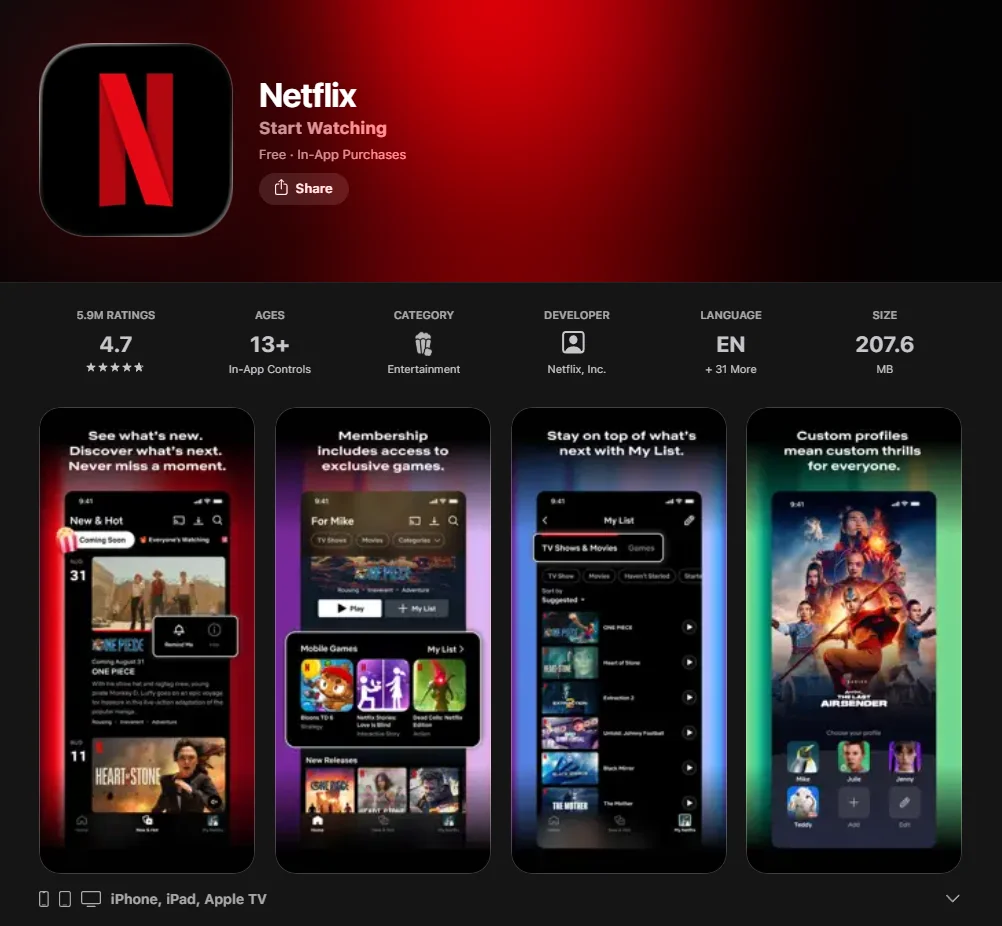
Netflix Kids takes a different approach. Rather than being a separate app or subscription, it is a dedicated kids profile living within your main Netflix account. It is designed for families who want a seamless transition between their own binge-watching and the viewing habits of their youngsters.
Kids Profile Structure
When you create a kids profile, Netflix applies maturity filters on a per-profile basis. The interface is simplified—featuring larger icons and character-led navigation—but it retains the familiar “infinite scroll” of the standard streaming app. Ad visibility depends on the subscription tier; some plans include ads, though Kids profiles may limit ad exposure.
Content Focus and Categories
Netflix’s strength lies in its animated series and Netflix Originals. While it lacks the books and games of Amazon, it offers:
- Global Blockbusters: High-production value films and live-action series.
- Original Programming: Shows like Gabby’s Dollhouse and The Dragon Prince.
- Interactive Specials: Interactive specials (availability may vary, as Netflix has reduced new interactive content in recent years) that provide a light gaming element for tech-savvy youngsters.
Access Within Netflix Plans
There is no extra cost for Netflix Kids. It is included in your standard subscription (Standard or Premium). This makes it a highly cost-effective streaming service for kids if you already use the platform for adult entertainment. However, be aware that the “Standard with Ads” tier may have different content availability for children compared to the ad-free versions.
Core Differences Between Platforms
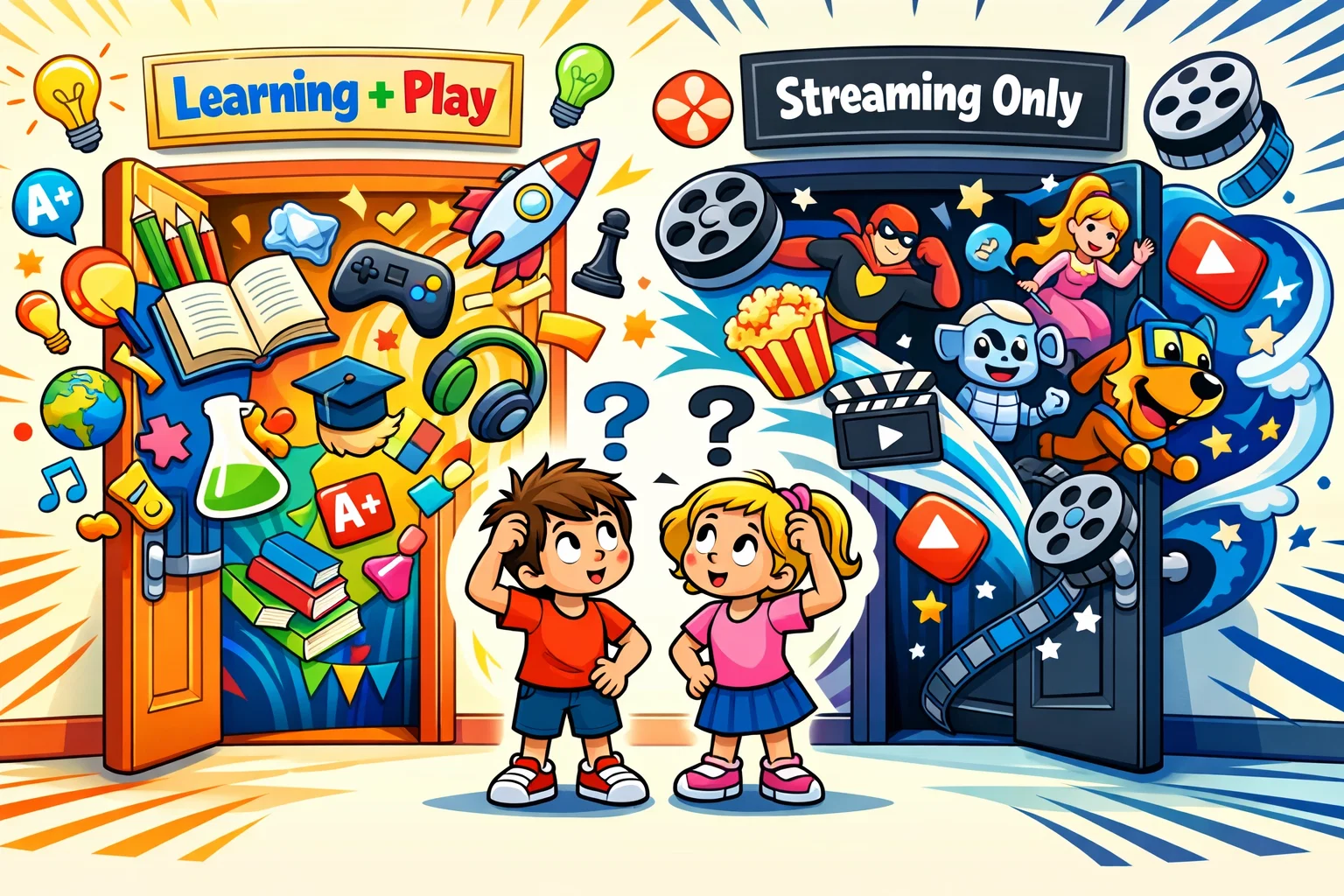
Before diving into the technical details, it is helpful to understand the “soul” of each platform and how it interacts with the youth in your home.
| Feature | Amazon Kids+ | Netflix Kids |
| Primary Goal | Education + Entertainment + Utility | High-end Entertainment |
| Content Types | Video, Books, Apps, Games, Audio | Video (TV & Movies), Games |
| Hardware | Optimized for Fire Tablets | Universal (Smart TVs, Consoles, etc.) |
| Learning | Built-in curriculum-based apps | Indirect (Educational shows only) |
All-In-One Platform vs Streaming Platform
Amazon Kids+ acts as a complete digital environment. If a minor is using a Fire Tablet, they are inside the Amazon Kids+ world. Netflix, conversely, is an app you open to watch something and close when the viewing session is done. It doesn’t manage the device’s other functions or restricted areas.
Subscription Structure Differences
You pay for Amazon Kids+ specifically for the child’s benefit. With Netflix and Prime Video, the younger-focused content is a “bonus” feature of an adult’s entertainment budget. This often dictates how much time a person spends on the platform; Amazon’s variety encourages longer, multi-modal sessions, while Netflix is focused on passive viewing.
Age Targeting Approach
Netflix uses age restrictions based on maturity ratings (G, PG, etc.). Amazon uses an age range filter (e.g., 3–5, 6–8) that changes the entire interface, hiding apps or books that are too simple or too complex for that specific age group.
Content Comparison for Children
Educational Content Availability
If your goal is educational content, Amazon Kids+ is the clear leader. It includes thousands of educational videos and apps that teach everything from phonics to coding.
Netflix remains focused on entertainment. While you can find educational shows like StoryBots or The Magic School Bus, there are no interactive tools to practice math or reading for the young students in your house.
Entertainment Variety and Franchises
Netflix is the home of the “viral” show. If your youngsters are watching what’s popular at school, it’s likely on Netflix. Amazon’s video library is excellent, but it relies more on licensed content from Cartoon Network, PBS Kids app, and Disney, alongside their own Amazon Originals.
Safety Features and Parental Controls
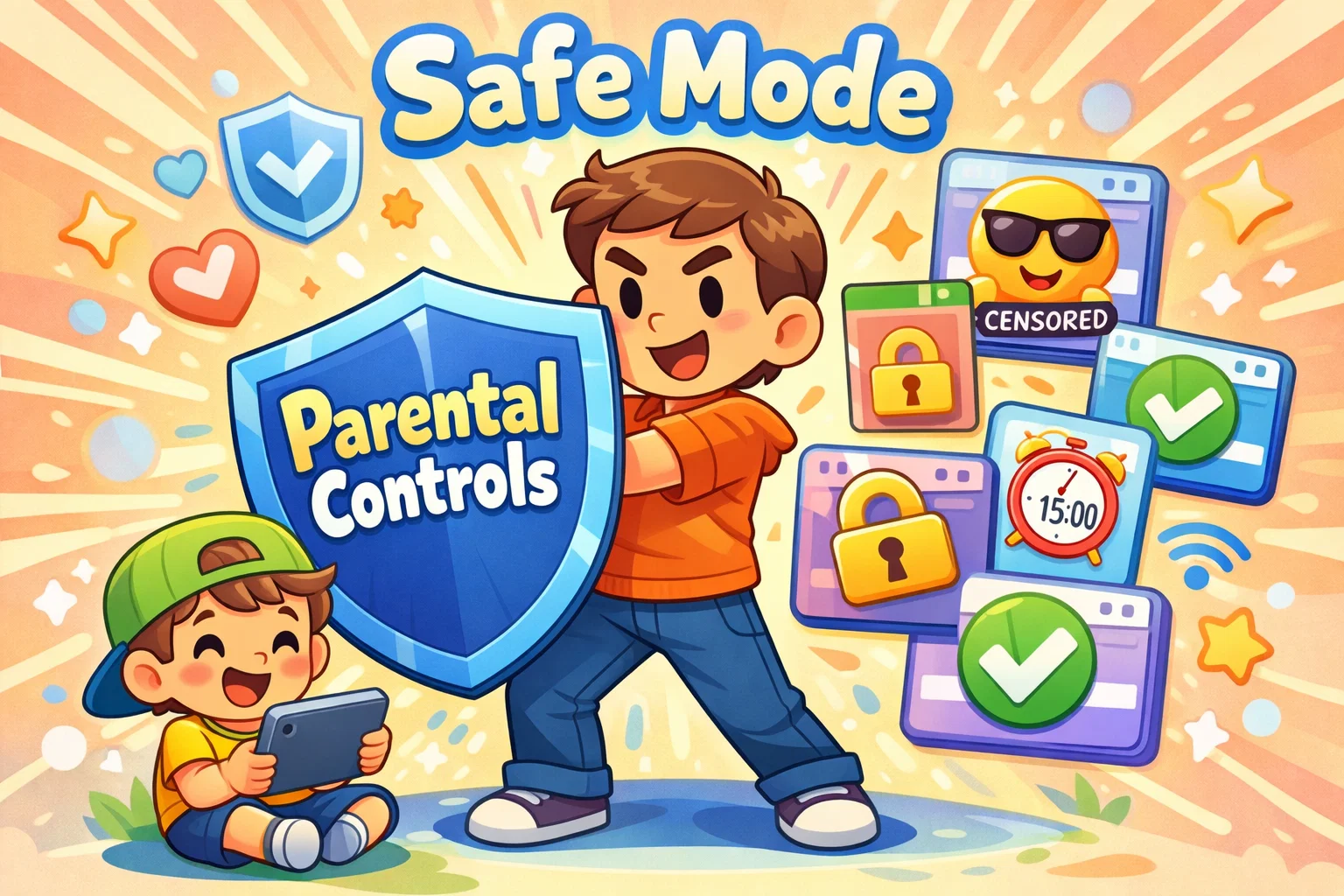
Parental control is often the deciding factor for families. Both platforms state compliance with relevant child privacy regulations such as COPPA (U.S.) and GDPR (EU).
Age Filters and Content Ratings
- Netflix: Allows you to block specific titles and set age restrictions for each profile. You can ensure your younger children never see a PG-13 trailer.
- Amazon: Uses a “Smart Filter” that only shows content appropriate for the birthdate you entered. Parents can manually block specific videos or apps from the dashboard.
Screen-Time Management Tools
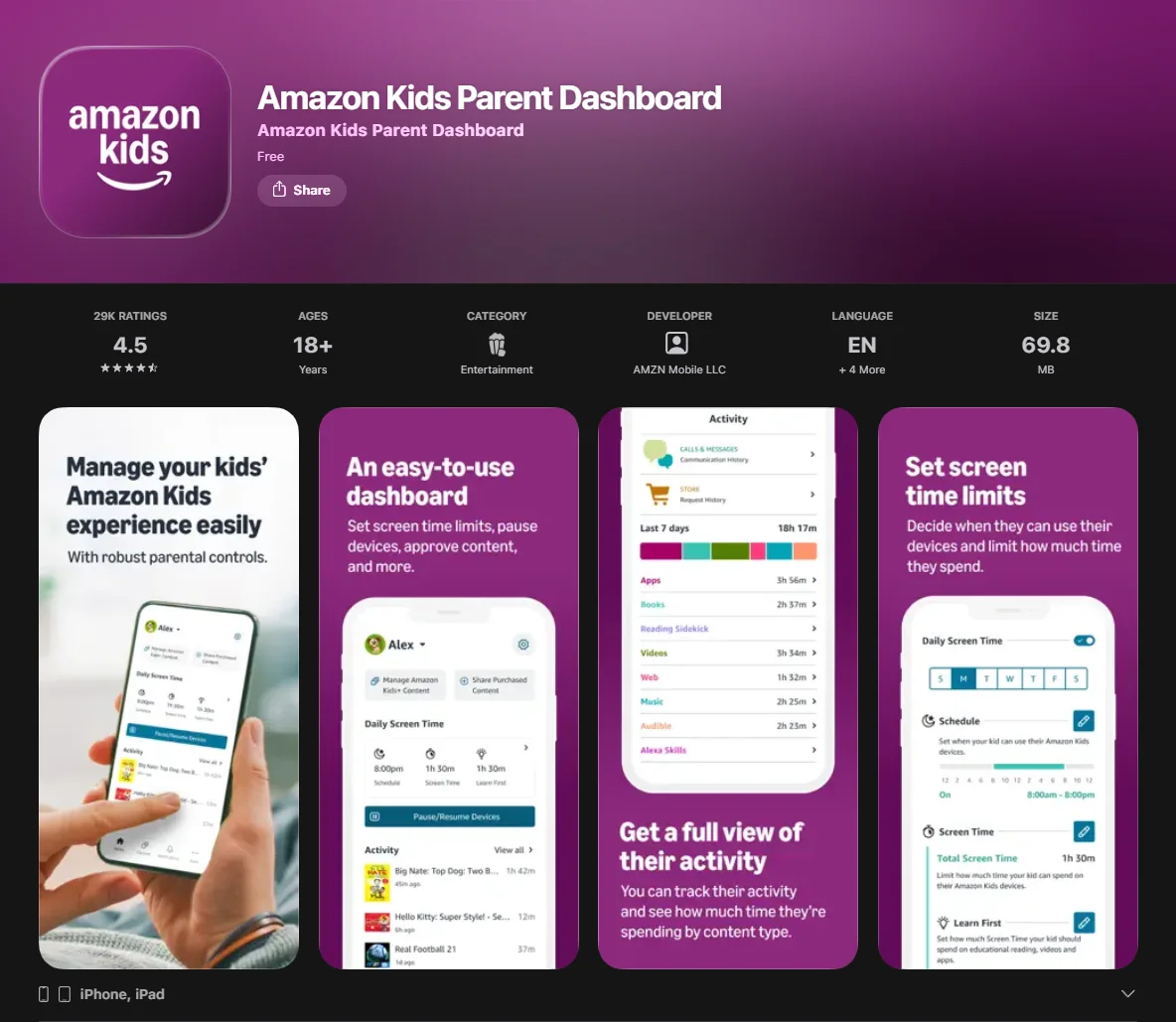
Amazon offers more advanced screen-time controls compared to Netflix. You can set device-level usage limits and bedtime restrictions within supported Amazon Kids environments. More importantly, the Learn First feature lets you set screen time limits that require a person to finish 30 minutes of reading before they can watch animated series.
Netflix lacks native screen time limits; you generally have to rely on the device’s built-in settings (like Apple’s Screen Time or Google Link) to shut the app down for your little ones.
Parental Dashboards and Monitoring
The Amazon Parent Dashboard provides a granular report of what your child did: how many pages they read, which game they played, and for how long. Netflix provides a “Viewing History,” but it is less detailed regarding engagement levels for the youngsters.
Pricing Comparison 2026
Note: Prices are estimates based on early 2026 market data. Always check the official sites for the most current rates.
| Plan Type | Amazon Kids+ (Prime) | Amazon Kids+ (Non-Prime) | Netflix (Standard) |
| Monthly Cost | $5.99/month | $7.99/month | Approximately $17.99 per month in the U.S., depending on plan and region. |
| Extra Users Cost | Supports up to four child profiles under one subscription (U.S.). | Included (up to 4) | Free with account |
| Annual Option | ~$48/year | ~$79/year | N/A |
For Prime members, Amazon Kids+ may provide strong value if you have multiple children. If you don’t have Prime and only have one child who just wants to watch cartoons, the Netflix and Prime Video standalone options might be simpler for your family budget.
Device Compatibility
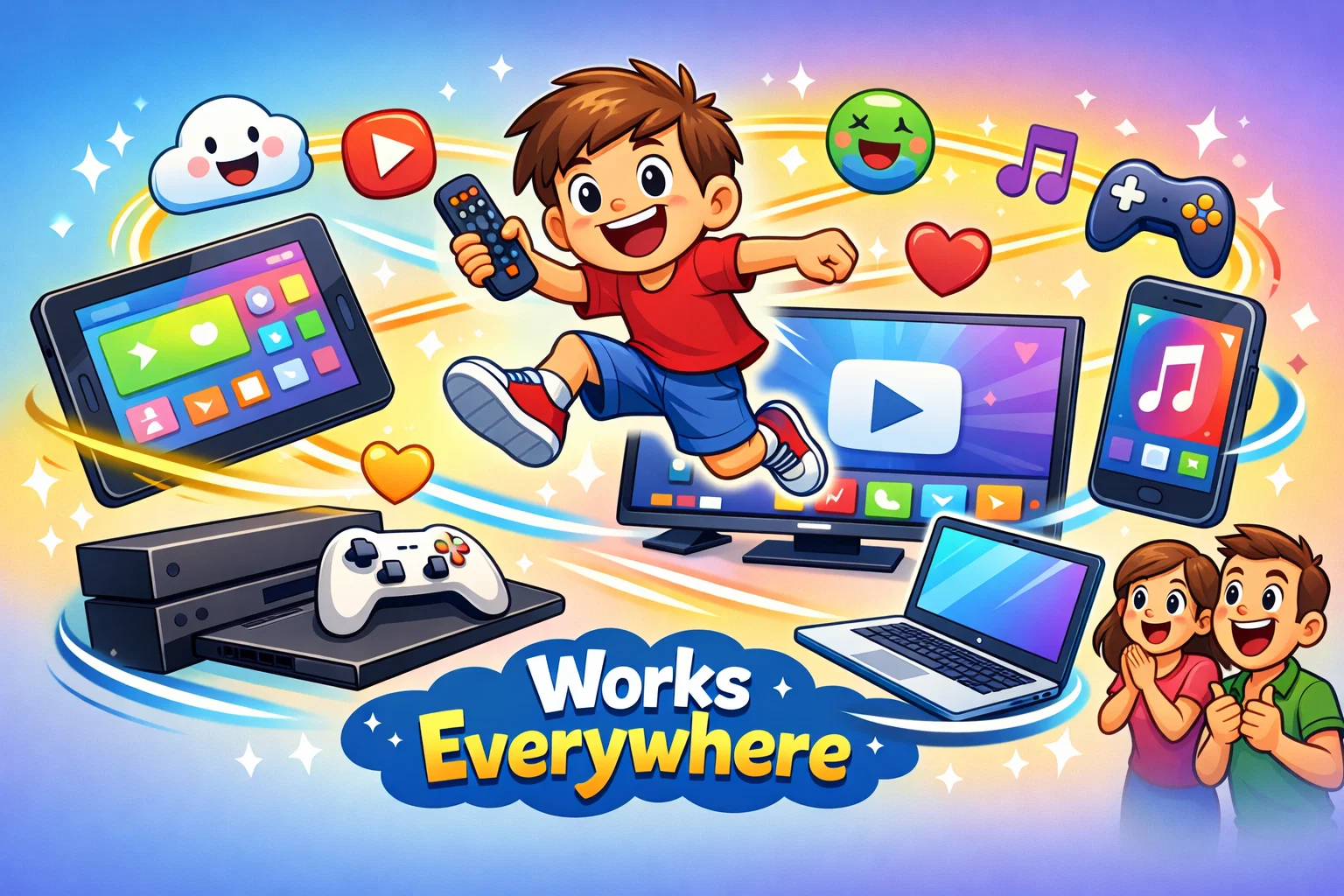
Amazon Kids+ Supported Devices
- Best Experience: Amazon Fire Tablets, Fire TV, Echo Show.
- Good Experience: Android tablets (via app).
- Limited Experience: Available on iOS and Android; however, the most integrated experience is on Amazon Fire devices.
Netflix Kids Supported Devices
Netflix is available on most major smart TVs, streaming devices, consoles, and mobile platforms. If your family relies on a smart TV in the living room rather than individual tablets, Netflix is much easier to deploy for the whole household.
Age Suitability by Development Stage
Preschool Age (3–6 Years)
Amazon Kids+ may be better suited for this age group, depending on family priorities. The simplified interface and focus on animal videos, educational shows, and interactive picture books support early development. Select PBS Kids content may be available through Amazon Kids+ licensing agreements.
Primary School (7–12 Years)
Netflix begins to shine here. Older children often move away from purely educational games and prefer the high-budget animated and live-action series that Netflix offers. However, Amazon’s inclusion of books remains a strong draw for school-aged readers.
Setup Process and User Experience
Setting up a Netflix Kids profile is typically quick and straightforward: click “Add Profile,” check the appropriate box, and you’re done.
Amazon requires more effort. You need to set up the Amazon Kids account, define the age range, and potentially download content for offline viewing. However, this initial effort pays off with a much more “locked down” and safe environment that prevents accidental purchases or access to online content that isn’t age-appropriate for the minor.
Advantages and Limitations
Amazon
- Pros: Includes books and games; “Learn First” feature; deep parental control; great value for Prime members.
- Cons: Heavy reliance on the Amazon ecosystem; interface can feel cluttered; the most complete feature set is available primarily on Amazon devices.
Netflix
- Pros: Best-in-class video library; universal device compatibility; no extra cost if you already have Netflix.
- Cons: No educational games or books; weaker screen time management; strictly video-focused.
Platform Recommendation by Family Needs
- Best for Learning-Focused Households: Amazon Kids+. The ability to gate-keep entertainment behind educational goals is a vital feature for many parents today.
- Best for Entertainment-Focused Families: Netflix Kids. If you just want high-quality shows and movies without the fuss of managing an entire ecosystem, Netflix may be the better fit for families primarily focused on video entertainment.
- Best for Amazon Device Users: Amazon Kids+. If you own a Fire Tablet, this is an essential addition for your children.
- Best for Multi-Device Streaming: Netflix. Its ability to work on almost any smart TV or tablet makes it the most flexible option for families on the move.
Families may also wish to review each platform’s official parental control documentation to configure settings according to their needs.