


Establishing healthy digital habits is no longer about simply counting minutes of screen time; it is about fostering a balanced lifestyle where technology supports, rather than hinders, a child’s development. In the modern digital world, parents and carers face the challenge of integrating digital tools into daily life while ensuring wellbeing, online safety, and academic success. This guide provides a comprehensive, age-appropriate roadmap to help your child navigate technology responsibly, from the first interaction to adolescent independence.
Healthy Digital Habits for Kids
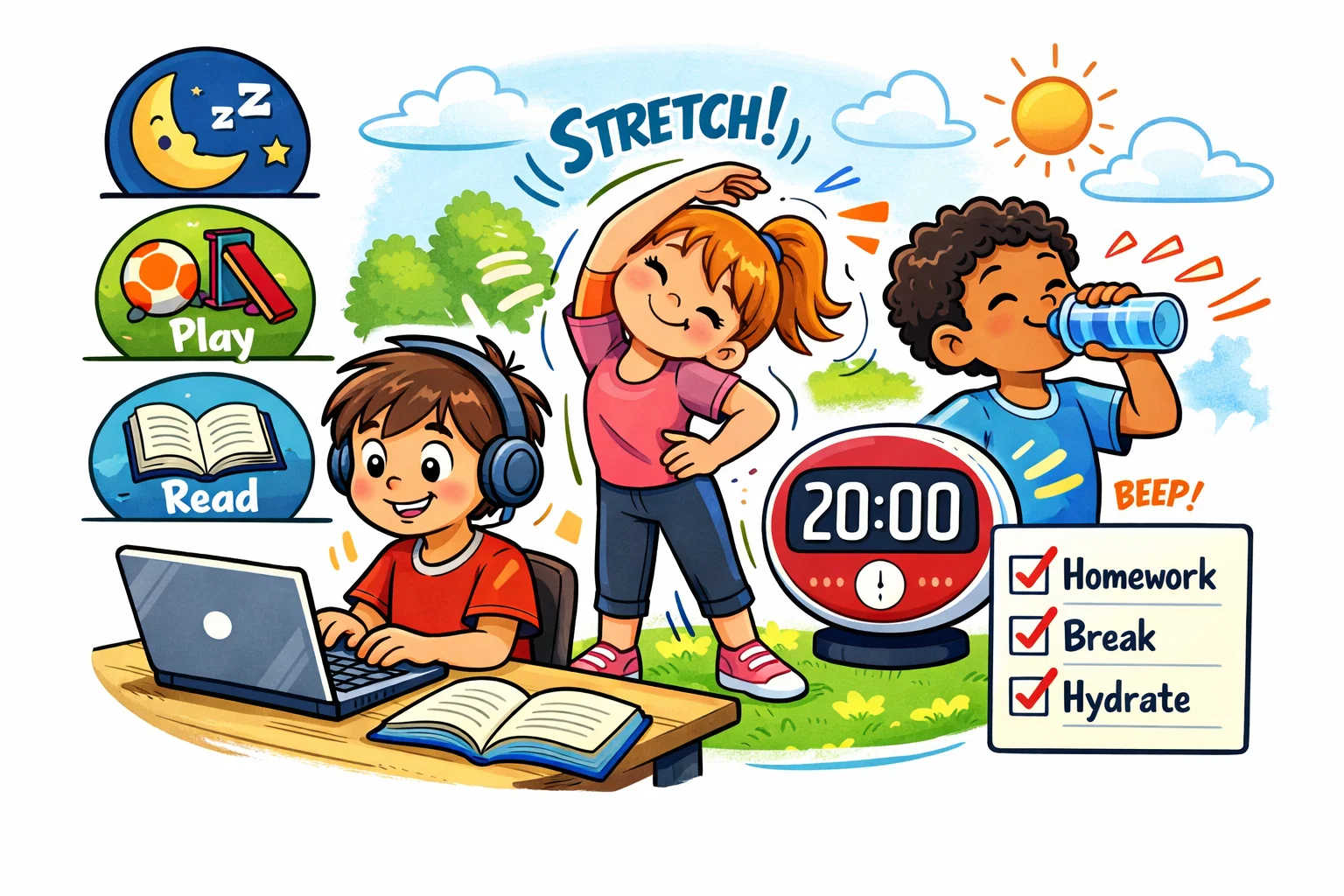
Healthy digital habits refer to an intentional and balanced approach to using technology that prioritises physical health, emotional wellbeing, and social connection. When a child develops healthier digital habits, they learn to view devices as tools for specific tasks – such as learning or creativity – rather than a default escape from boredom or stress.
Core Principles of Healthy Tech Use
Children benefit most from a framework based on consistency, quality, and balance. Encouraging healthy digital habits requires moving away from reactive punishments toward proactive family media agreements that everyone understands.
- Predictability: Children feel more secure when tech use follows a known schedule (e.g., “screens after homework”).
- Content Literacy: Prioritizing high-quality, educational, or creative online activities over mindless scrolling.
- Active Engagement: Parents playing or watching alongside children to foster critical thinking and discussion.
Active Screen Use vs Passive Screen Use
Digital media consumption is not monolithic; the way a child interacts with a screen determines its developmental impact. Active screen use involves cognitive effort, such as coding, creating a digital drawing, or participating in a strategic online game.
| Category | Typical Activities | Developmental Impact |
| Active Use | Coding, digital art, video calling family, educational apps | Enhances digital skills, creativity, and social bonds. |
| Passive Use | Scrolling TikTok, watching auto-play YouTube, mindless gaming | May lead to decreased attention spans and sedentary behavior. |
High-quality, interactive content tends to be more beneficial than passive consumption, which often offers less educational value.
Signs of Balanced Digital Routine
A healthy relationship with technology is visible through a child’s behavior both on and off the screen. When healthy habits are in place, children and teenagers maintain a strong connection to the offline world.
- Seamless Transitions: The child can stop using social media or gaming when asked without excessive emotional outbursts.
- Sleep Hygiene: The child experiences high-quality sleep without the interference of late-night notifications.
- Social Presence: Technology does not replace face-to-face interactions with peers or family members.
- Diverse Interests: The child actively pursues hobbies and interests that do not require an internet connection.
Screen Time: How Much Is Too Much for Kids
Determining appropriate screen time limits requires a nuanced understanding of a child’s developmental stage. While “how many hours” is a common question, experts now emphasize the “Three C’s”: Content, Context, and the Child.
Screen Time for Babies, Toddlers, Preschoolers
For younger children, the focus is on sensory exploration and human interaction. The World Health Organization (WHO) recommends very limited digital use for children under five to ensure they meet physical activity and sleep targets.
- Under 18 Months: Avoid all digital media except for video chatting with relatives to stay connected.
- 18–24 Months: Introduce high-quality programming if desired, but always watch together to help the child understand what they see.
- Ages 2–5: Limit non-educational screen time to roughly one hour per day, ensuring a parent is present to co-view and discuss the content.
Screen Time for School-Age Kids
As children enter school, using technology becomes necessary for homework and social integration. At this stage, parents and carers should focus on “screen-free” windows rather than just total minute counts.
- Establish Priorities: Ensure tech use never displaces 60 minutes of physical activity or 9–11 hours of sleep.
- Location Rules: Keep devices in shared family spaces to naturally monitor online safety.
- Content Variety: Encourage a mix of entertainment, education, and communication to build healthy versatility.
Flexible Limits for Teens
For an adolescent, the goal is to develop healthy digital habits that lead to self-regulation. Rigid parental controls often become less effective as teens seek autonomy, making open conversations the primary tool for guidance.
- Self-Monitoring: Encourage teens to check their own “Screen Time” stats to recognize patterns in using social media.
- Nightly Cut-offs: Implement a household rule where all devices are docked in a central station 60 minutes before bed.
- Negotiated Access: Allow extra time for creative projects (e.g., video editing) while maintaining limits on “infinite scroll” platforms.
Balance Family Time and Screen Time
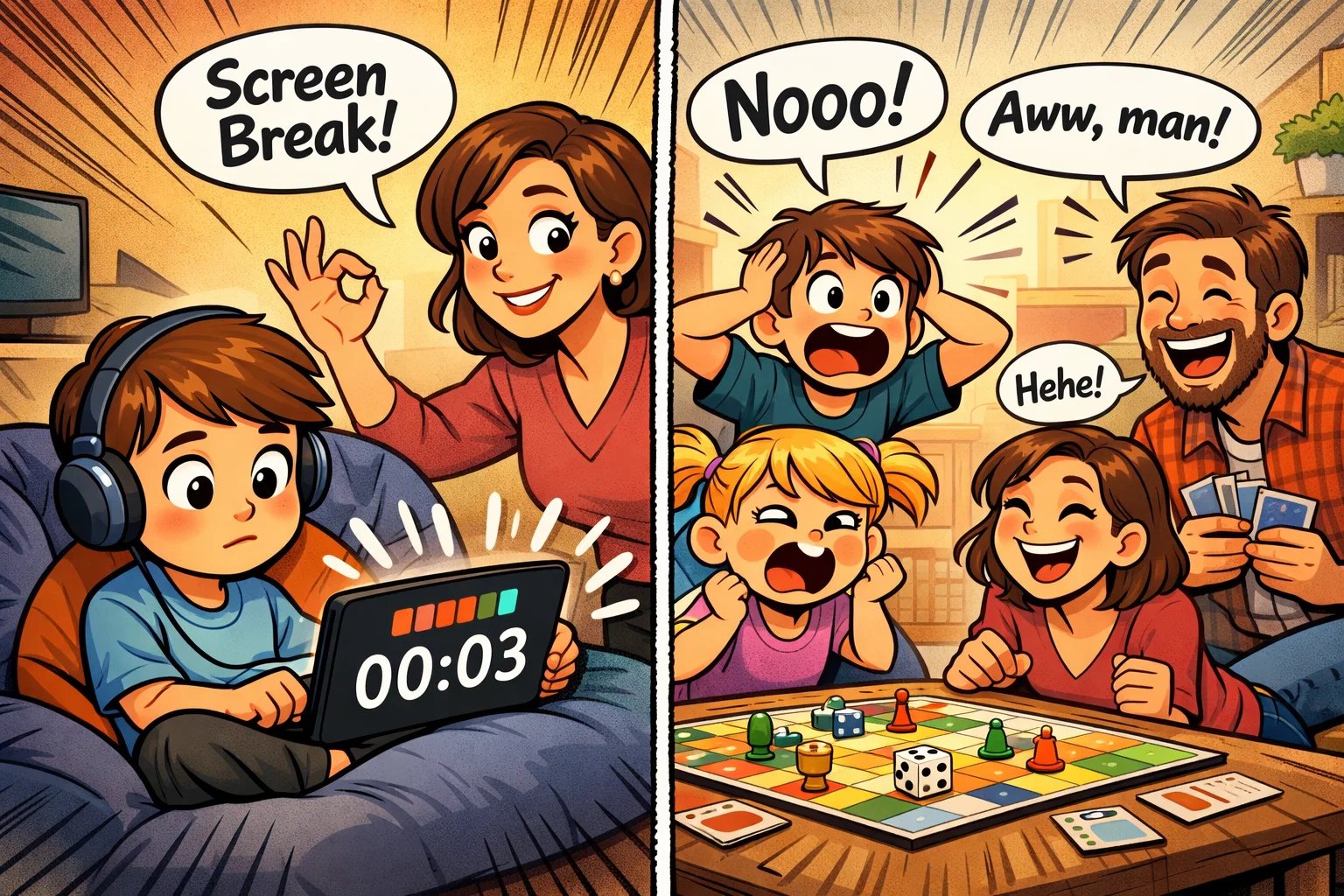
Creating a healthy relationship with technology requires physical and temporal boundaries within the home. When families create screen-free zones, they protect the quality of their time together and strengthen interpersonal connections.
Screen-Free Times
Designated screen-free times allow for deep communication and emotional processing. Keeping these periods consistently screen-free helps reduce the background noise of the digital world.
- Meal Times: Breakfast and dinner should be 100% tech-free to focus on nutrition and conversation.
- Morning Routine: Avoid phone use for the first 30 minutes after waking to start the day with focus.
- Post-School Decompression: Use the first hour after school for snacks and “real-world” talk before using technology.
Screen-Free Spaces
Establishing tech-free zones reduces the temptation for “phantom” notifications to interrupt life. By keeping mobile devices out of certain rooms, parents reduce the cognitive load on the child.
- The Bedroom: Keeping screens out of the bedroom is one of the most effective ways to protect sleep and reduce problems associated with sleep deprivation.
- The Dining Table: This space should be reserved for sensory experiences and social bonding.
- Bathrooms: Removing devices from bathrooms prevents excessive “hidden” digital use and promotes hygiene.
Family Activities That Replace Default Screen Use
To help children reduce their media usage, parents must provide attractive offline alternatives. Strong digital habits are easier to maintain when the “default” activity isn’t always a screen.
- Collaborative Play: Engage in board games or puzzles that require teamwork and critical thinking.
- Outdoor Exploration: Scheduled walks or sports support better mood, focus, and mental wellbeing.
- Creative Hobbies: Activities like cooking, drawing, or playing an instrument can provide a similar sense of immersion to gaming, but in a more tactile way.
Talk About Social Media
Social media and youth mental health are closely linked, making it essential for parents to act as mentors rather than just monitors. Building digital resilience starts with understanding the platforms your child uses.
Conversations Kids Actually Respond To
Instead of lecturing, help your child build a critical eye by asking open-ended questions. Avoid judgemental language that might cause a child or teenager to hide their online activities.
- “What was the most interesting thing you saw on TikTok today?”
- “Do you ever feel tired or annoyed after looking at Instagram for too long?”
- “How do you decide which accounts are worth following?”
Fake Content, Ads, Trends, Online Pressure
Digital literacy involves recognizing that much of what appears on platforms like TikTok is curated or commercialized. Perfection on social media is often an illusion, and comparing real life to it can damage a child’s self-esteem.
- Edited Reality: Discuss how filters and lighting create unrealistic beauty standards.
- Algorithmic Bias: Explain that digital tools are designed to keep them scrolling by showing content that triggers high emotion.
- Peer Pressure: Address the “FOMO” (Fear Of Missing Out) that comes from seeing friends’ highlight reels.
Safe Response to Upsetting Online Experiences
Children must know they can come to you without the fear of their devices being confiscated. This “no-punishment” policy for reporting trouble is a cornerstone of safe online behavior.
“If you see something that makes you feel uncomfortable, confused, or scared, you can tell me. I won’t be mad, and we will figure out how to handle it together.”
Risks of Excessive Online and Technology Use
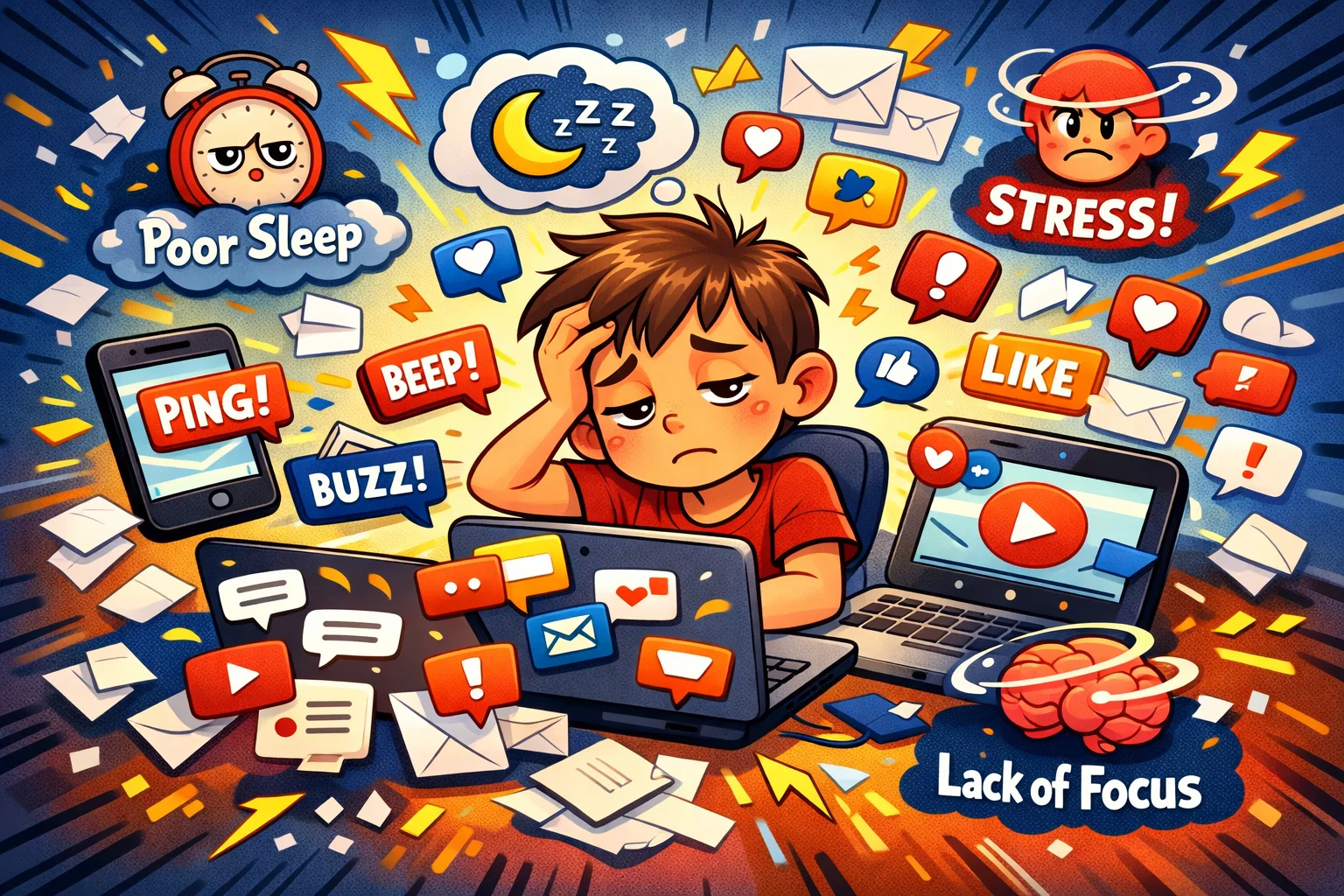
While technology offers many benefits, excessive use of online media and digital devices can lead to clear physical and psychological problems. Parents and carers must remain vigilant for signs of “digital burnout.”
Sleep, Focus, School Performance
Blue light from screens can suppress melatonin, making it harder for the brain to wind down at night. Frequent notifications also cause “task-switching” fatigue, which drastically reduces the ability to focus on complex schoolwork.
| Area of Impact | Consequence of Overuse | Long-term Effect |
| Sleep | Delayed sleep onset | Chronic fatigue, irritability |
| Cognition | Constant interruptions | Reduced deep-thinking capacity |
| Academic | Homework multitasking | Lower grades, incomplete assignments |
Mood, Anxiety, Comparison, Cyberbullying
Social media use can exacerbate adolescent mental health issues if not managed. The constant “social comparison” loop often leads to increased anxiety and a sense of inadequacy. Furthermore, cyberbullying remains a significant risk in unmonitored online games and chat rooms.
Social Withdrawal and Loss of Offline Interests
One of the best ways to help your child is to notice early signs of withdrawal. If a child no longer wants to see friends in person or loses interest in favourite activities, it may indicate that their digital habits have become unhealthy.
Causes of Unhealthy Digital Habits
Understanding why a child overuses technology is the first step toward encouraging healthy digital habits at home. Often, the device is a symptom of an underlying need.
Boredom, Stress, Emotional Escape
Children often use technology as a coping mechanism. If a child is stressed at school or feels lonely, the instant gratification of an online game provides a temporary escape. Identifying these emotional triggers allows parents to provide better support.
Inconsistent Rules at Home
Habits around technology often fail because of “rule fatigue” or inconsistency. If one parent allows screens at the table while the other forbids it, the child receives a mixed message, making it harder to foster self-discipline.
Design Features That Pull Kids Back In
It is important to acknowledge that many apps are deliberately designed to keep children engaged for as long as possible. Features like autoplay, streaks, and infinite scroll are engineered to bypass a child’s developing impulse control. Learning to pause is a skill that must be taught, as the apps will not do it for them.
Set a Good Example
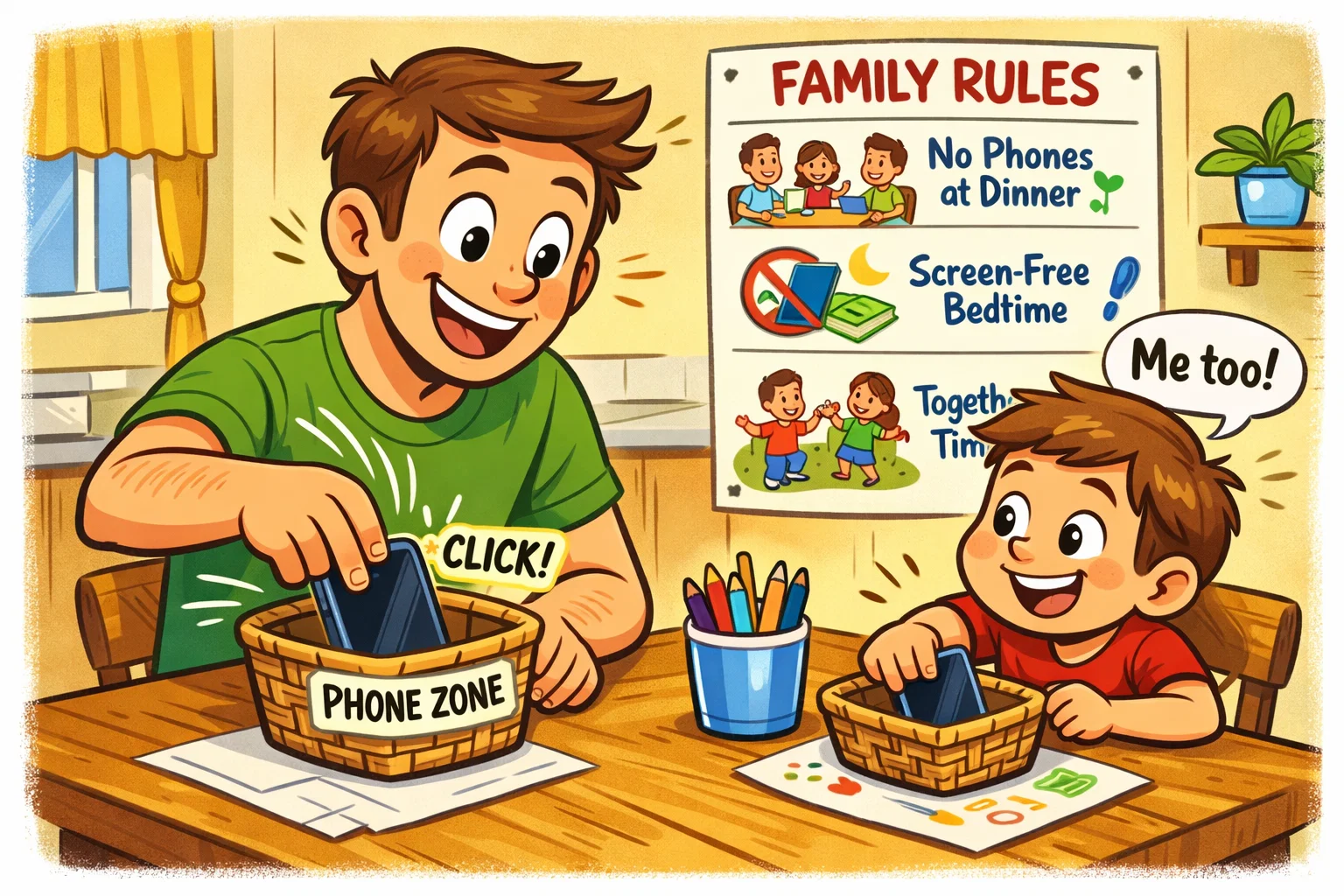
Kids mirror their parents’ behavior more than they listen to their words. Parents’ own digital habits are the most powerful teaching tool available. If parents want their child to develop healthy digital habits, they must lead by example.
Parent Habits Kids Copy First
If a parent is constantly checking their phone during family time, the child learns that the digital world is more important than the person in front of them. This pattern can weaken the parent-child bond before the child even receives their own device.
Visible Healthy Device Behaviour
Make these healthy choices visible and talk about them openly. Say out loud, “I’m putting my phone in the drawer now so I can focus on our game,” or “I’m turning off my notifications because they are distracting me from our dinner.”
Family Digital Rules for Adults and Kids
The most successful family media plans are those that apply to everyone.
- No Screens at the Table: This applies to work emails and social media for adults too.
- One Screen at a Time: No “second-screening” (using a phone while watching a movie).
- Recharge Station: All family members leave their phones in a common area overnight.
Optimise the Family Online Experience
Using technology as a family can transform a solitary activity into a bonding experience. By curating high-quality content, families can make digital use more constructive.
Age-Appropriate Platforms and Content
Not all “kids’ apps” are created equal. Use resources like the UK Safer Internet Centre or Common Sense Media to check the maturity ratings and privacy settings of new platforms.
Privacy, Safety, Chat Rules
Responsible online behavior requires strict privacy settings.
- Private Profiles: Ensure all social media accounts are set to private by default.
- Location Sharing: Disable “precise location” on apps that don’t need it.
- Chat Safety: Teach children never to share photos or personal details with anyone they have not met in the real world.
Quality Content for Co-Viewing and Co-Playing
Co-playing an online game with your child allows you to model good sportsmanship and safety. Support healthy digital growth by choosing games that require collaboration and problem-solving.
Tools That Support Responsible Tech Use
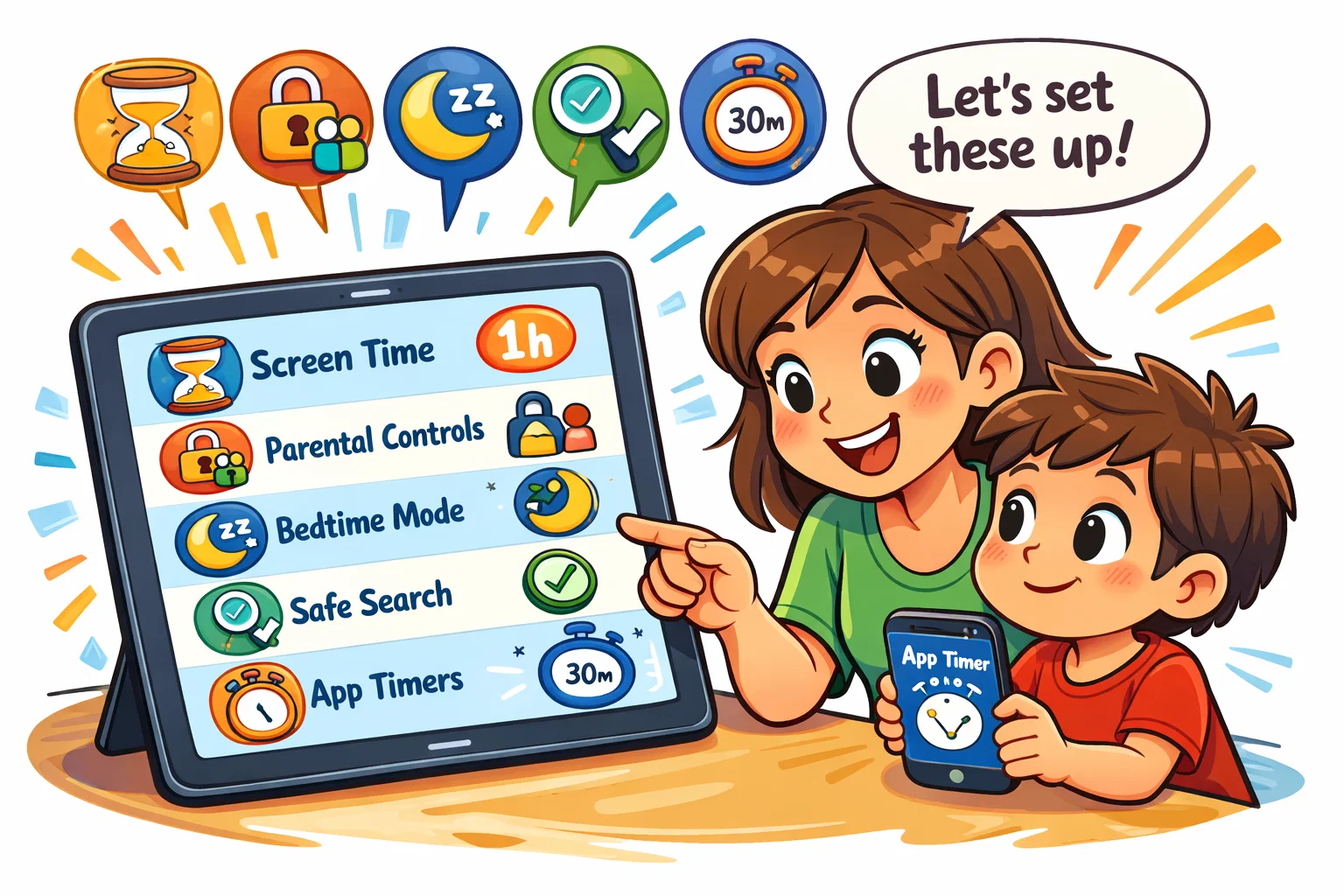
While tools cannot replace parenting, they can provide the “guardrails” needed to create healthy boundaries.
Parental Controls Without Overcontrol
Use parental controls as a safety net, not a spy tool. Tools like Google Family Link or Apple Screen Time provide helpful data on media usage and can enforce a bedtime lock.
Do Not Disturb, App Limits, Notification Control
Teach your child to use the built-in “Focus” modes on their devices. Reducing the number of daily notifications is one of the fastest ways to help your child regain their attention span.
Family Media Plan
A Family Media Plan is a living document that outlines the “who, what, where, and when” of tech use.
- Review Monthly: As the child grows, the rules should evolve.
- Include Consequences: Clearly state what happens if rules are broken.
- Focus on Balance: Ensure the plan includes plenty of time for non-digital activities.
Activities That Build Healthier Digital Habits
Transitioning to healthier digital habits requires small, sustainable changes rather than an overnight “digital detox.”
Weekly Family Reset
Set aside 15 minutes every Sunday to look at the previous week’s screen time reports together. Discuss what went well and where the family might want to “unplug” more in the coming week.
Offline Habits That Make Screen Limits Easier
When children have a rich “offline” life, they are less likely to over-rely on digital tools. Encourage:
- Physical Sports: To burn off energy and improve mood.
- In-person socialising: To practise social skills and read social cues.
- Reading: To build the “deep focus” that digital media often erodes.
Small Habit Changes That Stick
- 30-Minute Buffer: No screens for 30 minutes before school and 30 minutes before bed.
- The “Parking Lot”: A basket where all phones go during movies or board games.
- Audio Alternatives: Using podcasts or music instead of video during chores.
How Parents Can Support Long-Term Digital Balance
The ultimate goal of encouraging healthy digital habits is to help children grow into adults who can manage their own relationship with technology.
Age-by-Age Growth of Digital Independence
As children prove they can follow the family media plan, grant them more “digital trust.” This might mean moving from a curated YouTube Kids account to a standard account with supervised features, or extending their screen time limits on weekends.
When Rules Need Review
Rules should be flexible. If a child’s grades are strong, they are active in sports, and they are doing well socially, a slightly higher amount of digital use may be acceptable. Conversely, if conflicts are rising, it is time to foster a new agreement.
When Extra Support Makes Sense
If you notice persistent signs of mental health problems, such as extreme irritability when a device is removed, total social isolation, or significant sleep loss, consult a pediatrician or a child psychologist. Early intervention can help prevent longer-term problems related to digital overuse.