
Best Streaming Service for Kids: Kidoodle.TV vs PBS Kids Comparison

 Discover a Free Education Video App for Kids
Pastory uses AI to personalize educational video content based on your child’s interests and personality. Safe, engaging, and built for curious young minds. Sign up now to stay updated and enjoy early access with a free trial
Choosing the right digital environment your child uses has become almost as important as choosing their physical playground. In 2026, the streaming service landscape is more crowded than ever, with platforms vying for your family’s attention through varying models of education, entertainment, and safety. For many parents, the choice often comes down to two well-known platforms in the family-friendly space: Kidoodle.TV and PBS Kids. While both are designed specifically for young audiences, they offer fundamentally different philosophies on what a modern streaming app should be.
Kidoodle.TV positions itself as a “Safe Streaming” alternative to the vastness of YouTube, offering a curated mix of popular commercial franchises and light educational videos. The PBS KIDS Video app is free to use with no subscription required; it does not include traditional commercial advertising, though it may feature brief underwriting messages from sponsors depending on the content and platform. This guide explores the streaming experience of both platforms, evaluating parental controls, content diversity, and 2026 pricing models to help determine which may suit your smart TV best.
Best Kids Streaming App Overall 2026
Declaring a single “winner” between these two well-known kid-focused options with different approaches is difficult because they serve different household needs. If your priority is a family-friendly extension of school—focusing on literacy, STEM, and social-emotional growth—PBS Kids is nearly impossible to beat. However, if you are looking for apps for kids that offer the popular shows small children talk about at recess, like PAW Patrol or SpongeBob SquarePants, within a gated and monitored environment, Kidoodle.TV is the more versatile streaming platform.
Quick Summary of Key Differences
| Feature | Kidoodle.TV | PBS Kids |
| Primary Focus | Safe Entertainment & Popular Brands | Curriculum-Based Education |
| Monetization | Ad-supported free access; optional premium/ad-free plan may be offered (pricing varies by region/platform; often starts around ~$4.99/month) | 100% Free (Publicly Funded) |
| Ads | Yes (Free tier) / No (Premium) | No traditional ads; may include short underwriting/sponsor messages |
| Library Size | 40,000–50,000+ episodes (platform claims vary by store/region) | A rotating selection of 40+ shows; commonly cited as 600+ full episodes plus clips (availability rotates) |
| Curriculum | “Education-lite” & General Fun | Research-Backed Early Learning |
| Availability | Available in 160+ countries and territories (as stated by Kidoodle / public sources) | United States & U.S. territories (app access is region-restricted) |
Which Families May Prefer Each Platform
- Choose PBS Kids if: You want a “set it and forget it” tool where every minute of streaming content is vetted based on educational value. It is ideal for families who want to avoid commercials entirely and prefer a slow-paced, pedagogical approach to screen time for their young ones.
- Choose Kidoodle.TV if: You are looking for safe YouTube alternatives for kids that include viral hits, gaming content (like Minecraft or Roblox creators), and big-brand cartoons. It works well in households that need more variety than public media offers but don’t want the “wild west” of the main YouTube app.
Kidoodle.TV App Overview
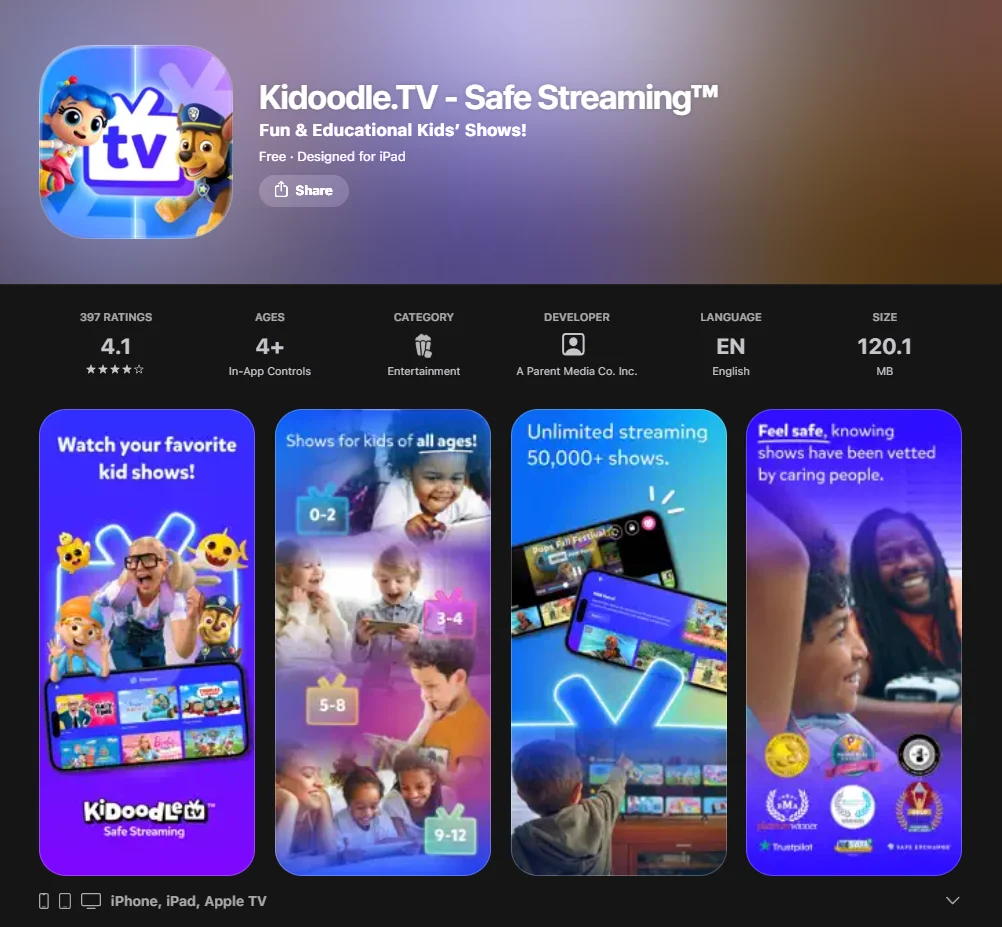
Kidoodle.TV is owned by A Parent Media Co. Inc. and marketed as a Safe Streaming™ channel. It is designed to bridge the gap between niche educational tools and giant streaming services like Netflix or Prime Video.
Content Library and Show Categories
In 2026, the library boasts over 45,000 episodes. You’ll find a massive range of tv shows and movies, spanning from preschool content to material aimed at pre-teens.
- Big Names: PAW Patrol, Peppa Pig, SpongeBob SquarePants, and Blippi.
- Digital Creators: A significant portion of the library includes curated YouTube-style creators like Dude Perfect or The Dodo.
- Niche Interests: Dedicated sections featuring LEGO adventures, gaming tutorials, and “How-To” crafts.
Educational Value Level
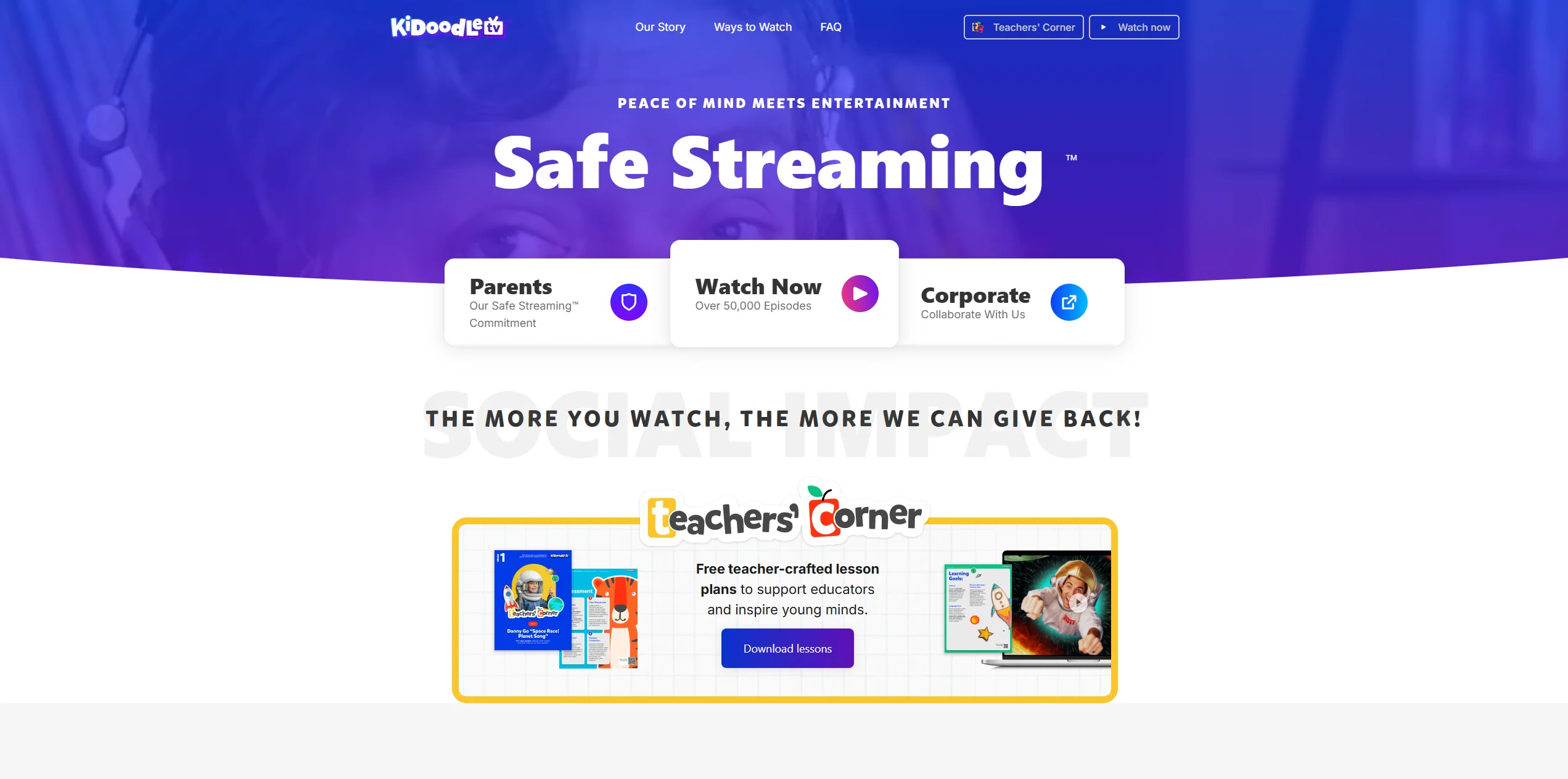
While Kidoodle.TV includes educational videos, its primary goal is safe entertainment. The learning content tends to be “light”—think ABC songs, basic counting, or DIY science experiments—rather than the deep, multi-year curriculum found on public broadcasting platforms. It serves as a streaming app that prioritizes fun while maintaining a kid-safe boundary.
Parental Controls and Moderation System
The hallmark of this platform is its human-led vetting process. Unlike platforms that rely primarily on automated moderation, the company states that its content undergoes human review before publication to help ensure it remains family-friendly.
- Parents Room: A password-protected area to manage settings.
- Title Filtering: You can literally “turn off” specific shows you don’t want your little ones to see.
- Usage Analytics: View what your children watch and for how long.
- Bedtime Mode: Automatically locks the streaming device at a pre-set time.
Ads and Monetization Model
The service is free if you are okay with commercials. The ads are vetted to ensure age-appropriate content, but they can be frequent—ad length and frequency vary by region and viewing session. Premium/ad-free pricing varies by region and platform; it is commonly listed starting around $4.99/month in the U.S., but parents should confirm current pricing in their app store.
Device Compatibility
Kidoodle.TV states it is available across major platforms and a wide range of connected devices; exact Smart TV availability may vary by brand, model, and region.
Advantages
- Vast Variety: Thousands of episodes across many genres.
- Human Moderation: Higher “peace of mind” than algorithm-based software.
- Global Reach: Accessible in most countries without a VPN.
Limitations
- Ad-Heavy Free Tier: The commercials can be repetitive and lengthy.
- Lower Educational Rigor: Less focus on a formal learning curriculum compared to public media.
PBS Kids App Overview
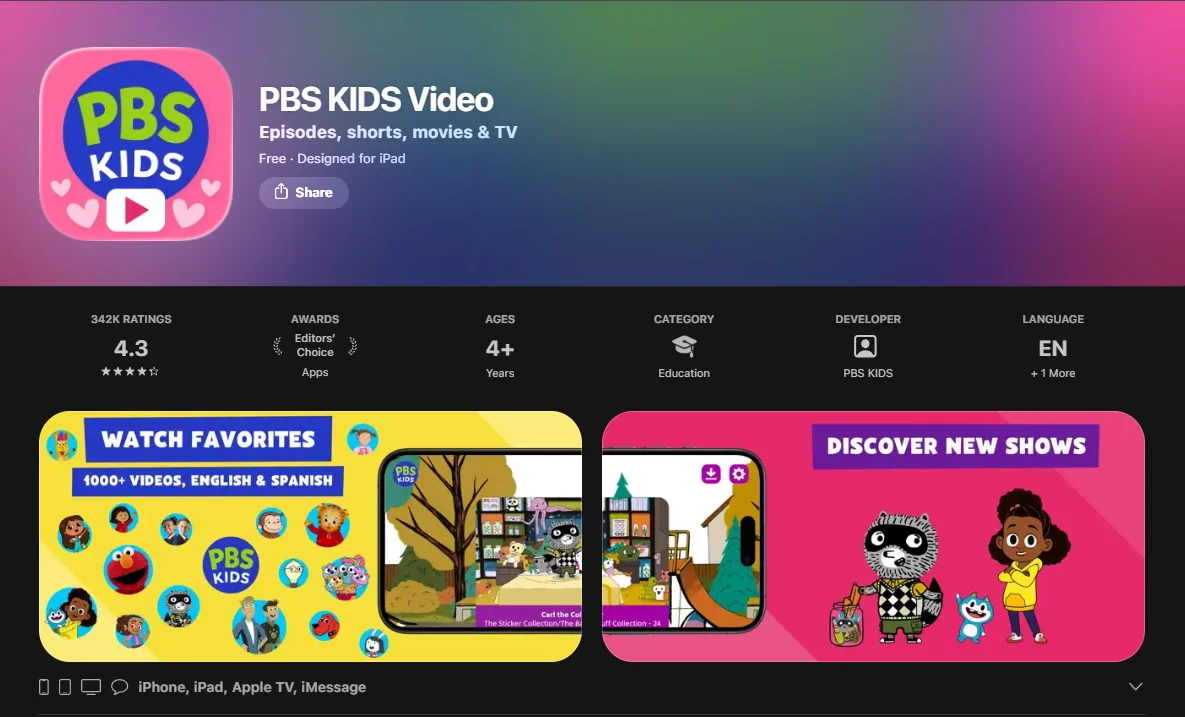
The PBS Kids Video app is operated by PBS, a non-profit public broadcaster. It is built around the mission of using media to help children succeed in school and early development.
Educational Programming and Curriculum Alignment
Every show on this platform—from Daniel Tiger’s Neighborhood to Wild Kratts—is tied to a specific learning framework.
- Social-Emotional: Daniel Tiger (Managing emotions).
- STEM/Science: Elinor Wonders Why and Sid the Science Kid.
- Literacy: Super Why! and Molly of Denali.
- Math: Peg + Cat and Cyberchase.
Free Access Model
The PBS kids app remains a free streaming service. There are no hidden fees, no tiers, and no monthly subscriptions. It is funded by “viewers like you,” corporate underwriting, and government grants, making it a strong free option for educational programming.
Interactive Games and Learning Activities
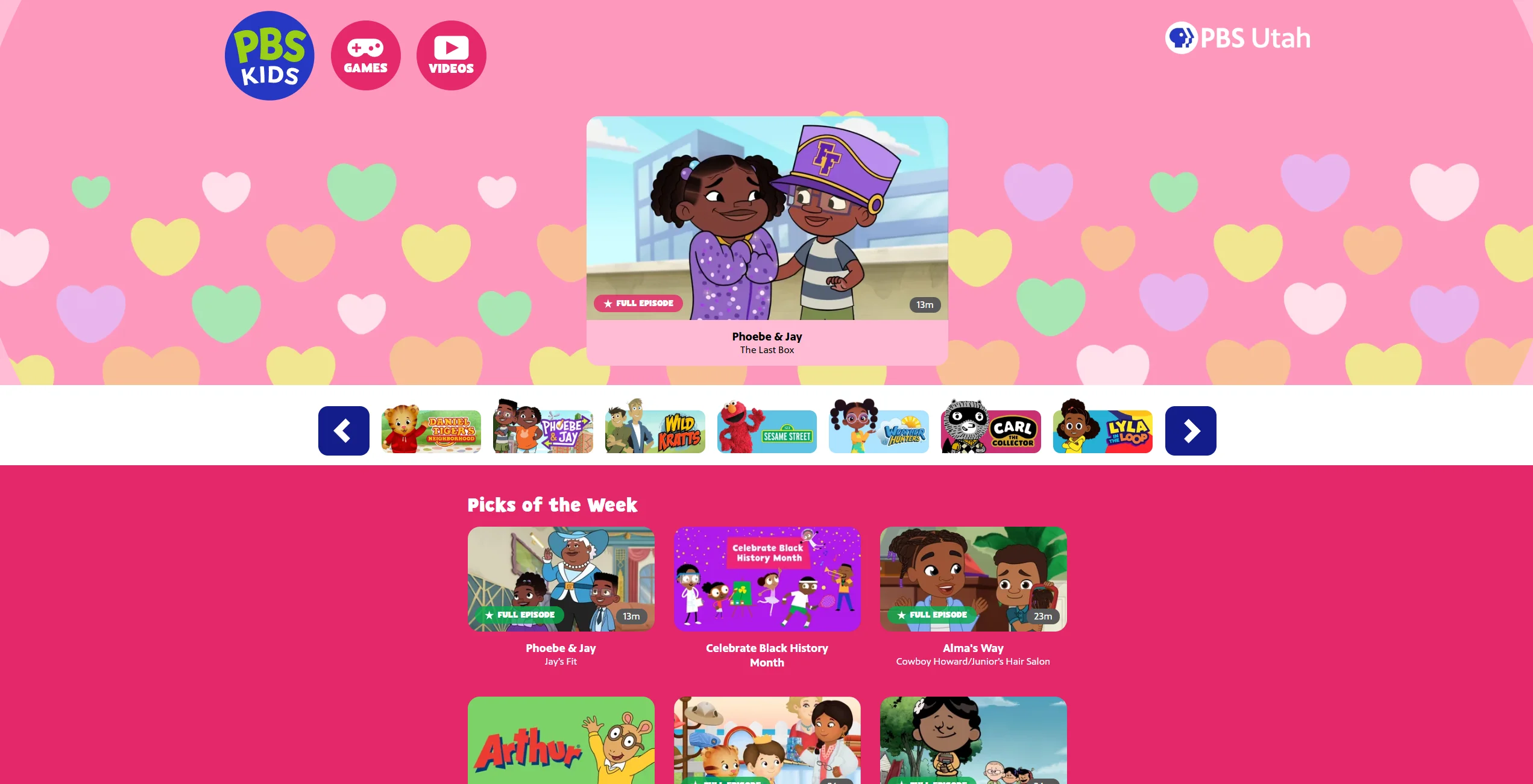
One of its strongest features is the integration between the PBS Kids Video app and the Games version. Small children can watch an episode and then jump into a game that reinforces the specific lesson they just watched. This creates a cohesive streaming experience that goes beyond passive viewing.
Privacy and Child Data Protection
PBS states that it follows strict data privacy practices designed to protect children’s information. PBS states that it does not use children’s data for targeted advertising and complies with COPPA regulations.
Device Compatibility
PBS KIDS Video app supports: Roku, Apple iPhone/iPad/Apple TV, Amazon Fire TV/Fire Stick, Android mobile/tablet/Android TV, Chromecast, and Samsung Smart TV (2017+) / VIZIO SmartCast.
Advantages
- Truly Free: No subscription or “Premium” version required for full access.
- High Quality: Award-winning, research-backed programming.
- No Commercials: No distracting ads or “buy this toy” messaging.
Limitations
- Smaller Library: Fewer total shows compared to commercial giants.
- Geographic Restrictions: Content is primarily restricted to the U.S. due to licensing.
Content Library Comparison
Variety of Cartoons and Franchises
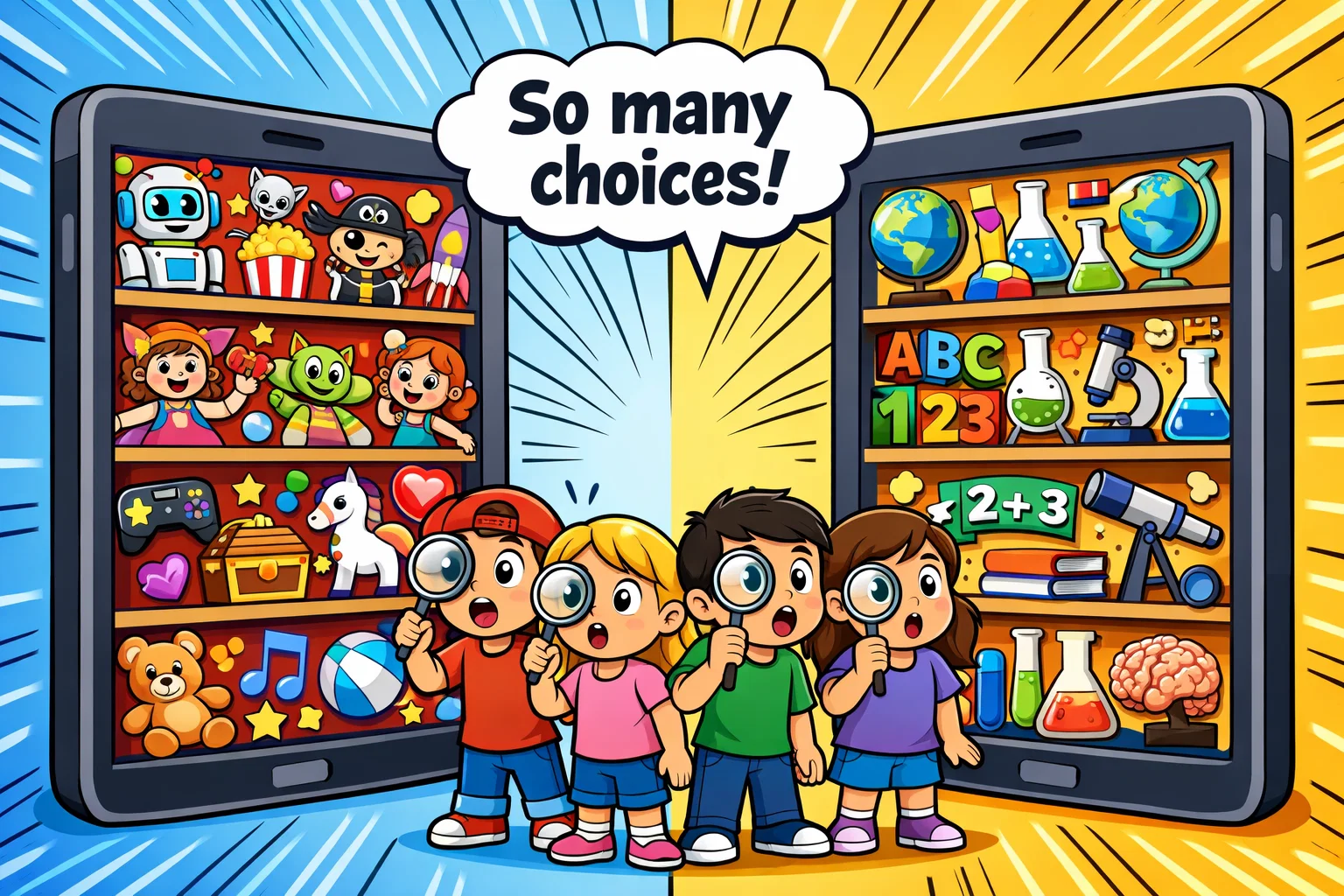
Kidoodle.TV wins on sheer volume. If your younger kids enjoy a mix of traditional TV and YouTube-style creators, it offers a broader palette. PBS is more curated; you won’t find Minecraft videos or Transformers here, only original productions.
Depth of Educational Content
PBS is the clear leader here. While the alternative has educational videos, they are often mixed in with pure entertainment. The public broadcast shows are designed by educators to meet specific developmental milestones for kids up to age eight and beyond.
Content Update Frequency
Both streaming services update their libraries regularly, though update frequency can vary by platform and licensing agreements. PBS KIDS offers a 24/7 LIVE TV stream (where available in the U.S.), meaning there is always something “new” playing. The commercial competitor frequently adds new “creator” content to keep up with digital trends.
Safety and Parental Controls Comparison
| Feature | Kidoodle.TV | PBS Kids |
| Profile Customization | Kidoodle.TV supports parental settings via a “Parents Room” and commonly advertises management for up to five child users/profiles. | No individual profiles; parental limits are typically handled via device-level controls, while the app offers a “Grown-Ups” area for info/settings. |
| Time Limits | Built-in “Parental Room” timers. | Relies on device-level controls. |
| Ad Filtering | Human-vetted, but present on a free tier. | No ads (Underwriting only). |
| Content Filtering | Specific show-by-show blocking. | Individual content blocking is not typically required, as the library is curated for young audiences. |
While automated systems can filter inappropriate material, Kidoodle.TV emphasizes human moderation as part of its safety approach for families seeking an alternative to mainstream video platforms.
Pricing and Subscription Comparison 2026
Is Kidoodle.TV Free?
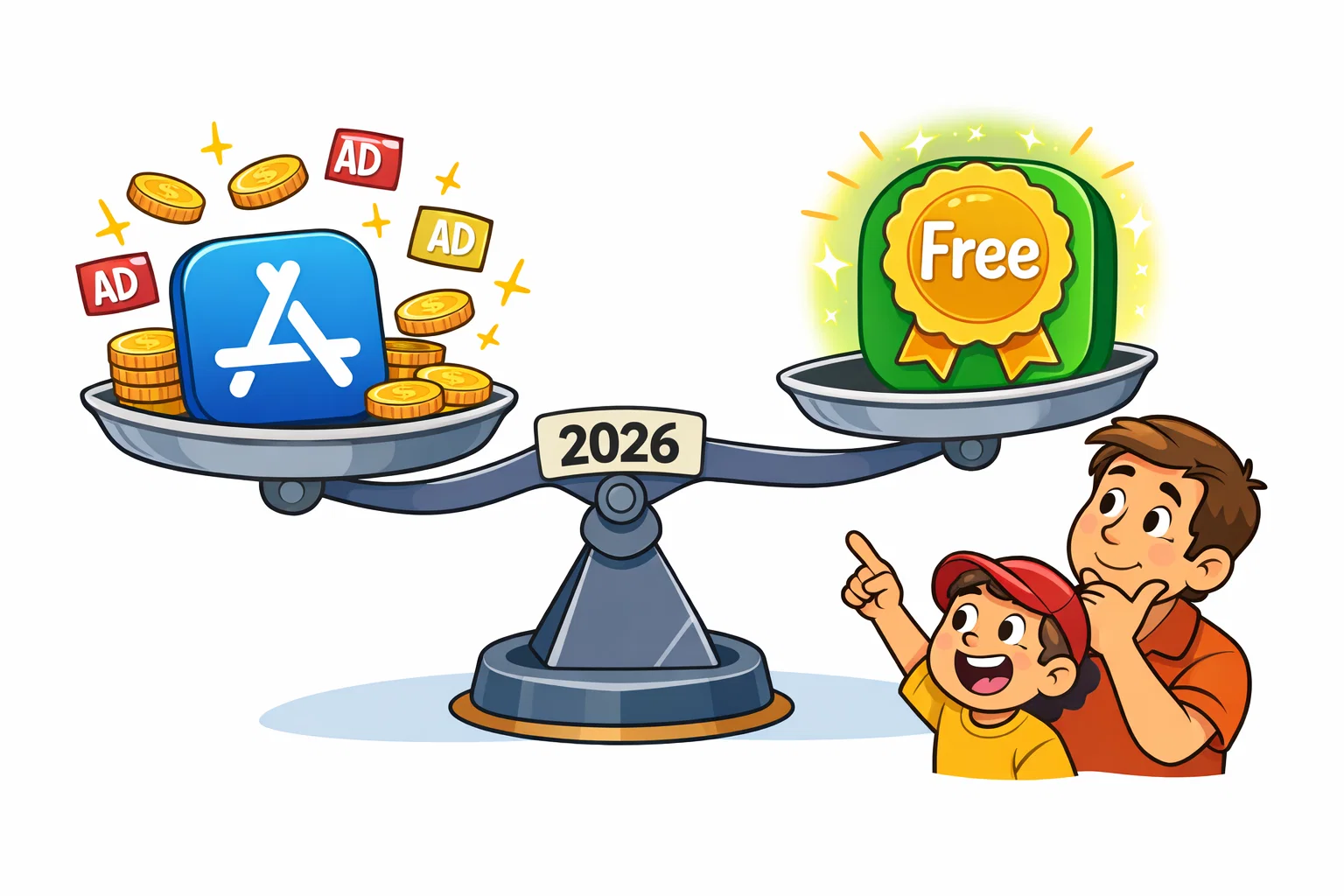
Yes, it offers a free app experience. However, this includes live streaming and on-demand ads. Premium pricing is commonly listed starting around $4.99 per month in the United States, though exact pricing and features such as ad removal or offline viewing may vary by region and platform.
Is PBS Kids Completely Free?
Yes. There is no “Pro” version of the PBS Kids Video app. All available programming is free to stream, though the library rotates regularly.
In-App Purchases or Hidden Costs
Neither streaming app relies on predatory “micro-transactions.” PBS is entirely clean of in-app purchases. The commercial alternative only asks for a subscription if you want to watch without ads.
User Experience and Interface Design
Interface Simplicity for Young Children
PBS uses a very “icon-heavy” design. Even a toddler who cannot read can navigate by clicking on the faces of characters like Curious George. The competitor uses a layout similar to Netflix, which might be slightly more complex for the youngest viewers but familiar for older kids.
Streaming Performance and Stability
In recent usability testing, both streaming apps demonstrated stable playback performance across commonly supported devices. PBS has optimized their video streaming which can be beneficial in areas with limited bandwidth. The alternative requires a slightly more robust connection for its high-definition library.
Age Suitability Comparison
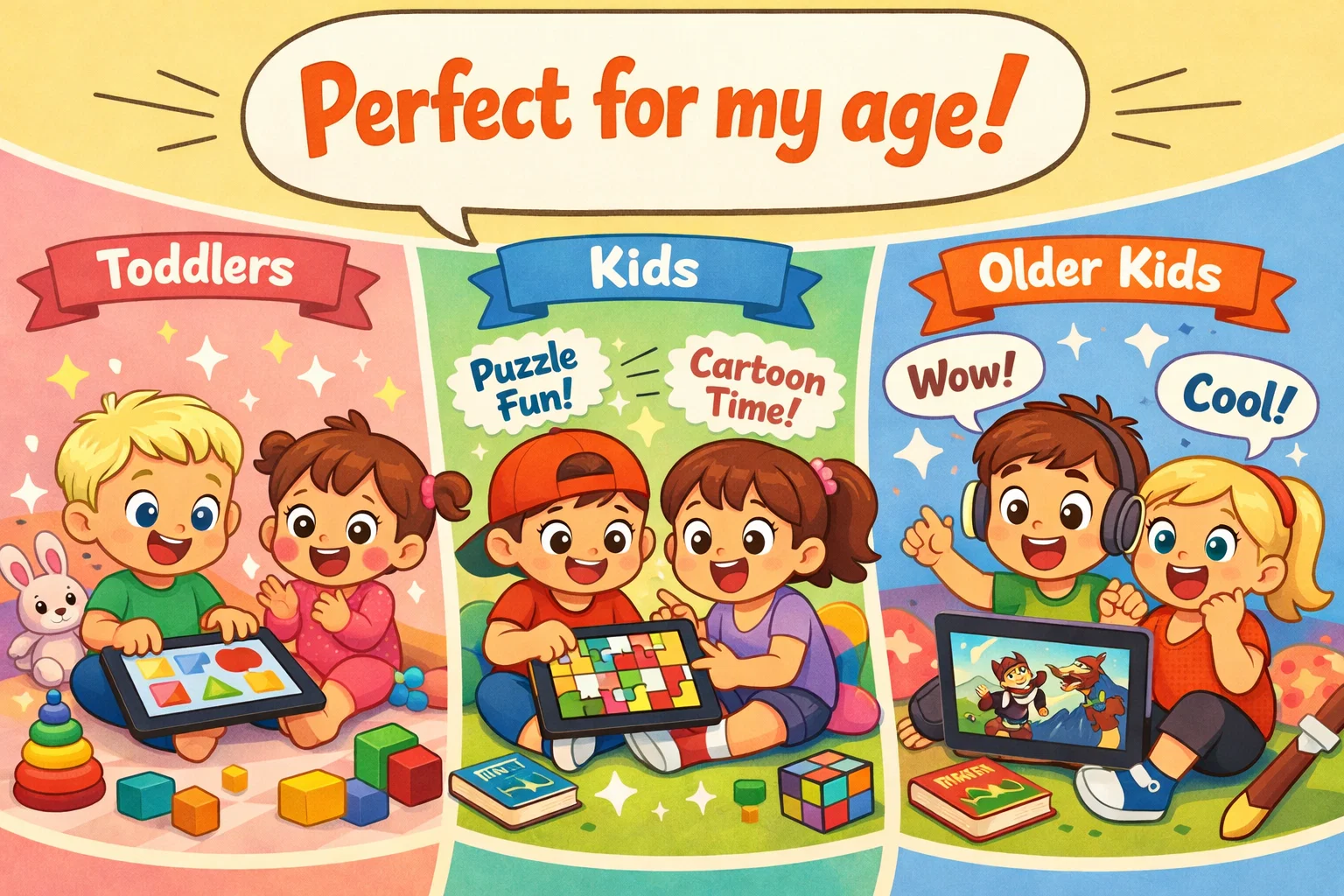
Suitability for Ages 2–4
Best option: PBS KIDS. The pacing of shows like Daniel Tiger is specifically calibrated for the developing brains of toddlers.
Suitability for Ages 5–8
Tie. This is the “sweet spot” for both. Kids ages five to eight will love the science adventures on PBS and the character-driven fun on the commercial platform.
Suitability for Ages 9–12
For many families, Kidoodle.TV may be the more appealing option with viewers aged 9–12. Older kids tend to outgrow the public broadcast content around age 8 or 9. Kidoodle.TV’s gaming-related sections and tween-oriented categories keep them engaged longer.
Factors to Consider Before Choosing Kids Streaming App
- Education vs Entertainment: Do you need a digital teacher or a digital babysitter for your kids and family?
- Ad-Free Preference: If you have a zero-tolerance policy for ads, PBS is the way to go (or paid premium).
- Budget: Is “free with ads” acceptable, or do you require a totally free service?
- Device Ecosystem: Ensure the streaming app is compatible with your Amazon Fire TV or Roku setup.
Alternative Kids Streaming Apps Considered
While this comparison focuses on Kidoodle and PBS, you might also consider:
- Netflix Kids: Excellent for original movies and shows like StoryBots.
- Disney+: The home of Marvel, Star Wars, and Pixar.
- HappyKids: Another free app with a huge library, similar to the commercial options discussed.
- YouTube Kids App: The largest variety, but relies heavily on algorithms rather than human vetting.
FAQ
Is Kidoodle.TV Suitable for Different Age Groups
This platform is designed for children up to age 12. It segments content into specific “zones,” such as Toddler, Preschool, and Tween. This allows the software to grow with your family, offering nursery rhymes for the little ones and gaming or craft videos for elementary-aged students. Because it includes licensed commercial content, it often remains appealing to older kids longer than purely educational tools might.
Is PBS Kids Suitable for Toddlers and Elementary School Children
This service is specifically engineered for the developmental needs of those ages 2 to 8. The curriculum is research-based, focusing on school readiness for toddlers and early elementary skills like reading and math. While some 9 or 10-year-olds may still enjoy specific shows like Odd Squad, the platform is most effective for the preschool and early grade-school demographic.
Which App Has Fewer Ads for Children
PBS Kids stands out in this category because it does not include traditional commercial advertising. It only features short “underwriting” spots at the beginning or end of shows, which are non-intrusive and usually promote educational foundations. Kidoodle.TV’s free version is ad-supported and can include multiple commercial breaks per episode, though these ads are strictly vetted for family-friendly standards.
Is Kidoodle.TV Better Than PBS Kids for Education
This depends on how you define “education.” PBS uses a structured, curriculum-aligned approach developed with educators to teach specific academic and social skills. The commercial alternative offers a more “mixed-bag” approach; while it has educational videos, it is primarily an entertainment platform. If your goal is academic support, the public option is generally considered superior, whereas the other is better for general safe viewing.
Are Both Apps Free to Use
Both offer a free entry point, but their models differ significantly. PBS is entirely free with no paid tiers or subscriptions required for any movies and tv shows. Kidoodle.TV offers a free, ad-supported version that provides access to its library, but it also provides a premium paid subscription for families who want to remove advertisements and access additional features like offline viewing.
Which App Works Better for Older Kids
The commercial alternative generally works better for older kids, particularly those in the 8 to 12 age range. This is because it includes a wider variety of “popular” content, including gaming-related videos, sports, and hobby-based creators that appeal to older interests. PBS content is very focused on early childhood development, which pre-teens often find too “young” for their tastes.
How to Choose the Best Streaming Service for Kids in 2026
When evaluating streaming options for your family, consider which platform balances safety, educational value, and entertainment in a way that aligns with your child’s needs.
Are There Better Alternatives to YouTube Kids App for Older Children
For parents who want a safe streaming experience without the unpredictability of the YouTube Kids app, Kidoodle.TV is a strong contender. It provides a layout similar to YouTube but with human-vetted content for kids 12 and under, making it a strong option for children who have outgrown preschool programming. While the Netflix Kids experience is excellent for high-budget originals, Kidoodle and platforms like tubi kids or HappyKids offer a wider variety of creator-led movies and tv shows. These streaming apps for kids ensure that even older kids can watch trending topics like gaming and DIY in a controlled, kid-friendly streaming ecosystem.
Can I Access These Kids Streaming Services for Free
If you are searching for an app for free that doesn’t compromise on quality, both of these platforms are excellent streaming options. PBS Kids is a completely free streaming service with no hidden costs, making it one of the strongest free options for educational content. Kidoodle.TV operates on a “freemium” model where the service is free with ads, but they also offer a premium tier for those who want ad-free streaming. Unlike some tv streaming services that require a 30-day free trial before charging a monthly fee, you can start using these apps for kids immediately to learn about the best streaming content available for kids ages 2 through 12.

Take a short quiz to find out what your everyday choices say about your parenting style
When your child is curious about something new, what’s your instinct?
Take a short quiz to find out what your everyday choices say about your parenting style
“Can I download this app?” What happens next?
Take a short quiz to find out what your everyday choices say about your parenting style
When it comes to rules at home, which sounds most like you?
Take a short quiz to find out what your everyday choices say about your parenting style
If you could give your child one life skill today, what would you pick?
Take a short quiz to find out what your everyday choices say about your parenting style
Your child gets to choose what to watch. What would your ideal setup look like?
Take a short quiz to find out what your everyday choices say about your parenting style
Pick your parenting superpower ✨



