

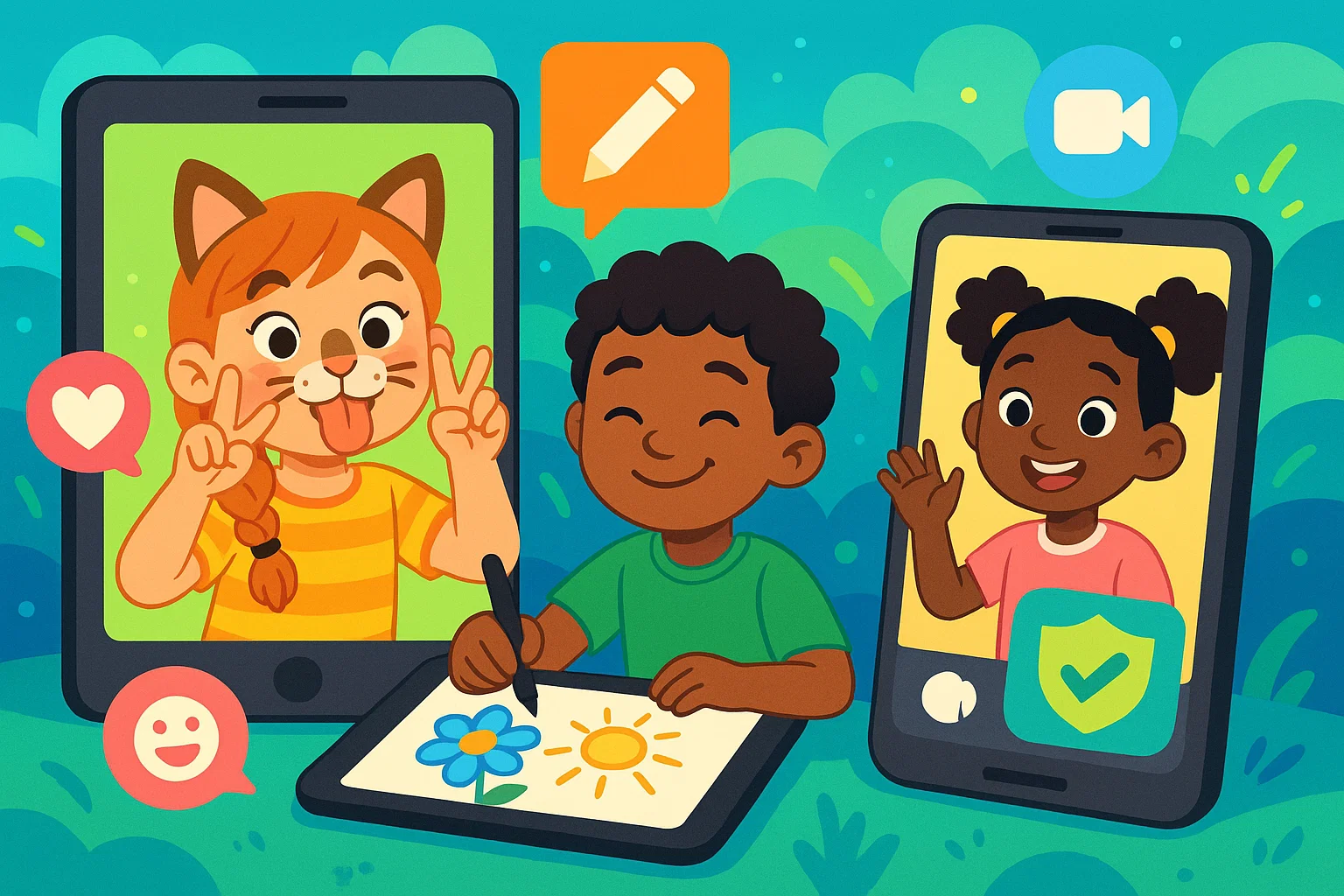
In today’s digital landscape, children gravitate toward apps for creative expression and social connection. While Snapchat is popular among teens, parents of younger children seek safer alternatives offering similar fun. This guide explores the best apps like Snapchat designed for kids, ensuring both entertainment and peace of mind. We’ve got you covered with great alternatives.
Why Parents Seek Snapchat Alternatives for Kids?
The app’s popularity is driven by face filters and disappearing messages that encourage frequent interaction. Parental concern increases because the minimum age requirement is 13+, while features such as location sharing, public stories, and contact requests from unknown users reduce transparency. Temporary messages complicate supervision and limit effective monitoring.
Additional risks include exposure to unsuitable content in discovery sections, social pressure linked to maintaining streaks, and usage patterns associated with habit-forming design. As a result, interest in safer communication tools has grown. Snapchat remains one of the most widely used platforms, yet its feature set prioritizes teenage engagement. Many built-in mechanics used by Snapchat are misaligned with the developmental needs of young children.
What Makes an App Safe for Kids?
When evaluating apps similar to Snapchat, key safety features differentiate kid-friendly options.
Robust Parental Controls
Effective parental controls are fundamental, including contact management (parental approval), time restrictions, content filtering, and activity monitoring. The best apps like Snapchat for kids offer comprehensive dashboards.
Data Security and Privacy
Privacy is crucial. Look for end-to-end encryption for secure communication. The app should have clear data collection policies and age-appropriate privacy settings. Kid-focused apps avoid unnecessary personal information.
Absence of Inappropriate Content and Ads
Kid-safe alternatives must have strict content moderation, filtering inappropriate content. They should avoid targeted ads. Many operate on subscriptions. Reporting mechanisms should be accessible.
Simple and Intuitive Interface
User-friendly design is vital for young children. Interfaces should feature clean, colorful layouts, large buttons, and clear icons to support independent navigation. Logical menu structures and accessibility features improve usability and reduce frustration. A well-designed app experience supports engagement while maintaining clarity and simplicity for early users.
Fun and Educational Features
Engaging features keep children interested. Creative filters and effects, photo editing and video editing tools, similar to Snapchat’s offerings, encourage expression. Educational elements like games enhance value, combining entertainment with learning. Apps with filters like Snapchat are very popular among children. Lenses and filters add a lot of fun.
Top Apps Like Snapchat for Kids Under 13
These selected apps offer Snapchat-like functionality with age-appropriate safety. Many best Snapchat alternatives focus on this age group. This list highlights 10 truly kid-safe apps.
Messenger Kids

Developed by Meta, this solution offers a controlled communication environment with full parental oversight of contacts and conversations. The platform is built specifically for children, with a dedicated version separated from the standard Facebook ecosystem. Families value the ability to connect with friends in a monitored setting that prioritizes safety and age-appropriate interaction.
Key Features:
- Complete parental control over contacts
- Filters and lenses
- Voice and video calls
- No in-app purchases or ads
- Cross-platform compatibility
JusTalk Kids

A secure video calling app with doodle features for interactive calls. This communication app designed for children offers similar interests in playful communication.
Key Features:
- Interactive doodles during video calls
- Parental contact management
- No text messaging (voice and video calls only)
- Filters and stickers
- Secure, encrypted communications
Kinzoo

A comprehensive family communication platform for messages, share photos, and video messages, with parental oversight. It allows users to connect with friends and family.
Key Features:
- Family-focused communication
- Shared calendar and photos
- Location sharing with controls
- Video and voice messages
- Complete parental oversight
KidsEmail
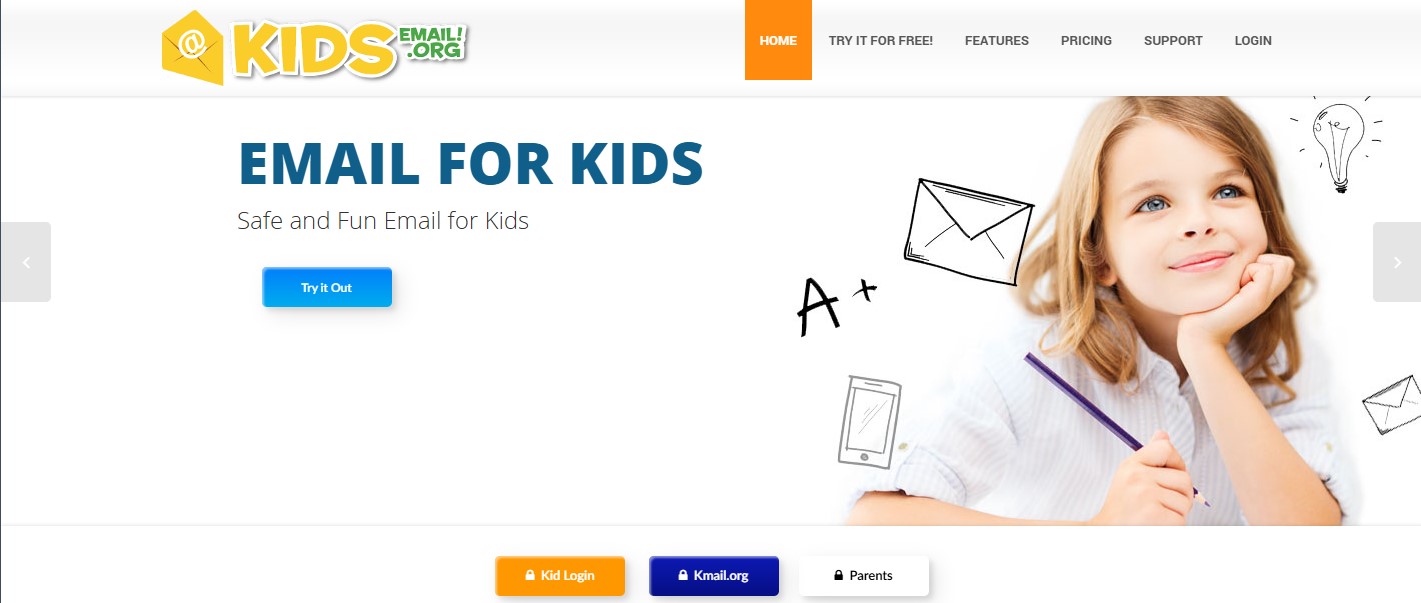
Primarily an email platform, offering safe messaging with parental control over all messages. This app for messaging provides a unique approach.
Key Features:
- Email-based communication
- Creative themes and fonts
- Drawing and photo attachments
- Complete message monitoring
- Educational communication tools
Stars Messenger

Combines safety and creativity in a messaging app designed for children, with fun themes and tools. This app is similar to Snapchat in its focus on visual communication.
Key Features:
- Child-friendly interface design
- Creative messaging tools
- Comprehensive parental controls
- Safe contact management
- Time usage restrictions
GeckoLife Kids

Focuses on family communication, allowing sharing of pictures and videos and messages, with full parental visibility. This makes it similar to a great Snapchat experience for families.
Key Features:
- Family-focused communication
- Creative photo and video tools
- Drawing and filters and stickers
- Complete family visibility
- Secure, private communications
Momio

A safe social environment for ages 8-16, with messaging, creative tools, and strict moderation. Popular among children in this age group.
Key Features:
- Age-appropriate social community
- Creative tools and features
- Strict safety guidelines
- Community moderation
- Educational social interaction
Kudos

Focuses on positive communication within families, allowing children to send encouraging messages and creative content. This is a good alternative to Snapchat for family communication.
Key Features:
- Positive family communication
- Creative messaging tools
- Encouragement-focused platform
- Family-centered approach
- Safe, monitored environment
Boop Kids

A simple, secure messaging platform with creative elements like filters and stickers and complete parental oversight.
Key Features:
- Simple, secure messaging
- Creative stickers and emojis
- Complete parental control
- Approved contact system
- Age-appropriate design
Safechat

Prioritizes security with encrypted messaging, creative tools, and comprehensive parental controls.
Key Features:
- Encrypted secure messaging
- Creative communication tools
- Comprehensive safety features
- Regular security updates
- Transparent privacy policies
ChatterPix Kids

A creative tool that allows children to animate photos using voice recordings, supporting storytelling and imaginative play. The experience delivers comparable entertainment without the complexity of open social networks. Children who enjoy visual effects and playful filters benefit from a simple, safe creative environment.
Key Features:
- Creative photo animation
- Voice recording capabilities
- Storytelling encouragement
- Safe, offline creation
- Family sharing options
Important Tips for Kids’ Safe App Usage
| Safety Aspect | Parent Action | Child Benefit |
| Communication Rules | Establish clear guidelines | Develops healthy digital habits |
| App Selection | Involve children in choice | Increases compliance and understanding |
| Regular Monitoring | Review conversations and contacts | Ensures ongoing safety |
| Digital Literacy | Teach online safety principles | Builds lifelong protection skills |
| Parental Controls | Implement and maintain restrictions | Provides structured safe environment |
| Screen Time Limits | Set and enforce usage boundaries | Promotes balanced lifestyle |
Discuss Usage Rules
Establish clear communication rules with children, discussing appropriate topics and online respect. Create a family technology agreement for app usage.
Involve Them in App Selection
Include children in the selection process. Clear explanations of how safety features provide protection and how the app balances enjoyment with security help develop informed decision-making and critical evaluation skills.
Regular Monitoring
Consistent oversight ensures safety. Periodically review conversations, discuss concerns, and praise positive digital behavior. Stay updated on their digital interests.
Teach Digital Literacy
Educate children on privacy, digital permanence, and protecting personal info. Teach about cyberbullying and digital footprints. Get a free understanding of online safety.
Implement Parental Controls
Utilize all parental control features: contact management, content filtering, time restrictions. Regularly review and adjust settings.
Limit Screen Time
Establish reasonable screen time limits, balancing digital communication with offline activities. Use built-in controls or third-party apps.