
40+ Learning Games and Activities for eLearning: Examples, Ideas, and Best Practices

 Discover a Free Education Video App for Kids
Pastory uses AI to personalize educational video content based on your child’s interests and personality. Safe, engaging, and built for curious young minds. Sign up now to stay updated and enjoy early access with a free trial
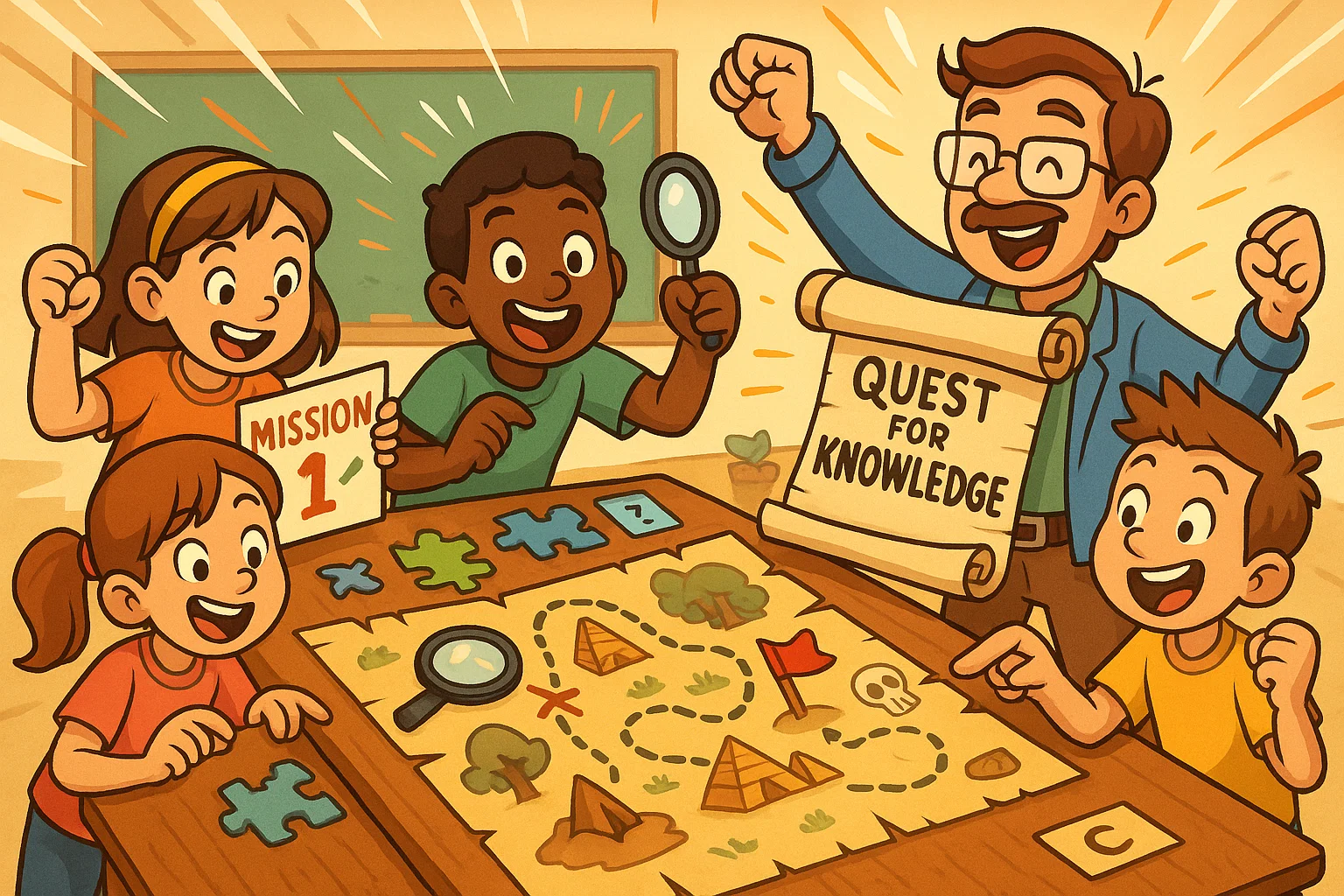
Implementing modern eLearning means shifting away from passive content consumption toward active engagement. This comprehensive guide provides practical online learning games, immersive eLearning activities, and strategic gamification ideas for online courses, corporate training, virtual classrooms, and instructional design projects.
Incorporating instructional elements such as diagnostic quizzes, branching scenarios, serious games, hidden-object puzzles, interactive video activities, and social learning templates helps digital training programs move beyond static presentations and become more dynamic learning environments.
Key Takeaways
- Active Engagement: Online learning games turn passive viewing into interactive exploration, which can reduce cognitive fatigue.
- Contextual Application: Well-designed interactive eLearning allows students and professionals to practice complex problem-solving skills in risk-free, realistic simulations.
- Goal-Oriented Mechanics: Gamification elements like points, badges, and leaderboard challenges must map directly to measurable learning goals rather than acting as visual novelties.
- Diverse Methodologies: Incorporating a wide variety of eLearning experiences — from microlearning word puzzles to branching role-playing games — supports different professional learning paths.
The Best eLearning Games Improve Engagement

The Best eLearning Games Keep Participants Active
Traditional learning experiences often rely on linear slide progression, which can lead to a drop in attention over time. Interactive game-based learning models often require regular input through clicks, text entry, and drag-and-drop activities. This continuous feedback loop shifts participants from passive observers to active contributors, helping them stay focused throughout the eLearning experience.
Healthy Competition and Clear Progress Drive Motivation
Research on motivation and user experience suggests that visual progression systems can improve course completion rates. Using personal milestones, level-based progression, and clear scoring metrics can support a stronger sense of competence. When an online training platform shows progress in real time, participants are more likely to stay motivated when tackling complex topics.
Meaningful Challenges Stimulate Cognitive Processing
Effective online learning games introduce productive challenge: tasks should be difficult enough to engage users without causing frustration. Across both school-based and adult learning contexts, this balance helps keep the learning environment stimulating. Confronting structured obstacles encourages critical thinking and helps people synthesize new information efficiently.
The Best Activities Connect Learning with Practice
Branching Scenarios Replicate Real-World Pressures
Instructional designers use decision-based branching paths to mirror actual workplace challenges. Instead of simply reading a policy, participants face realistic customer interactions or operational dilemmas. Each choice leads to a distinct outcome, demonstrating the real-world consequences of specific actions in a safe digital space.
Immersive Simulations Build Operational Confidence
Software simulations, equipment simulations, and role-play activities allow employees to practice technical processes and interpersonal skills directly. For example, software training modules may require users to navigate complex interfaces, while medical or compliance modules may ask them to follow precise protocols. This hands-on learning approach bridges the gap between theoretical knowledge and practical execution.
Contextual Decision-Making Promotes Behavioral Change
Asking participants to analyze complex, realistic situations can support long-term behavioral change. When people make choices in realistic scenarios, they build mental models that can transfer to everyday work routines. This focus on practical application makes interactive activities a highly effective tool for professional development.
Strong eLearning Design Uses Variety
Blending Activity Types Supports Diverse Learning Paths
Relying on a single interaction style can lead to monotony and reduce overall instructional effectiveness. A strong eLearning course design incorporates a balanced mix of quick knowledge checks, collaborative group work, and deeper reflective exercises. This variety addresses a wide range of learning needs and keeps students engaged across longer instructional programs.
Aligning Formats with Instructional Needs Optimizes Outcomes
Different learning goals require distinct interaction styles. Technical terminology can be reinforced effectively through targeted puzzles, while behavioral skills often develop more effectively through case studies or peer discussions. Custom eLearning content should ensure that the selected medium directly supports the underlying educational goal.
Visual Design Improves Information Processing
Strategic visual design, including embedded videos, targeted infographics, and interactive timelines, can improve how users process complex information. Breaking up text with clickable elements allows people to explore details at their own pace instead of absorbing information passively. This structured approach prevents cognitive overload and clarifies the relationships between key concepts.
Gamification Works Best with Clear Goals

Content Outcomes Must Direct Game Mechanics
Gamification succeeds only when game mechanics serve the core educational objectives. Adding point systems or badges to low-value tasks creates superficial engagement that does not lead to actual skill development. Every interactive game or reward tier should align with the specific competencies students or employees are expected to master.
Misaligned Rewards Can Distract from Learning
When badges and leaderboard points lack a clear connection to actual mastery, participants may focus more on gaming the point system than understanding the content. This distraction can undermine the learning value of both corporate training and K-12 educational games. Designing rewards to celebrate genuine milestones keeps the educational intent front and center.
Performance Data Validates Instructional Effectiveness
Tying gamification elements to specific learning outcomes provides instructors with clear, trackable performance metrics. Analyzing badge completion rates and leaderboard standings can help reveal which modules are effective and which require refinement. This structured approach transforms game analytics into actionable insights for future course updates.
Benefits of Interactive eLearning Games and Activities
Interactive learning environments offer distinct operational advantages over static, text-based modules. The table below shows how targeted interactive elements can support specific educational outcomes.
| Educational Metric | Interactive Element Used | Measurable Outcome or Benefit |
| Engagement | Multiple-choice branching scenarios | Can reduce passive screen time and increase meaningful interactions. |
| Knowledge Retention | Spaced-repetition quizzes and puzzles | Helps reinforce core concepts over time and supports long-term recall. |
| Real-World Application | Immersive software or role simulations | Builds workplace confidence by allowing employees to practice tasks in a risk-free environment. |
| Feedback Speed | Automated instant-response mechanisms | Identifies individual areas for improvement immediately, reducing grading delays. |
| Course Completion | Streak trackers and progress bars | Can boost motivation and help participants complete longer training modules. |
Higher Engagement
Integrating interactive learning games for different age groups can transform passive readers into active participants. Users can click through hidden hotspots, test different choices, and navigate custom scenarios. This active participation breaks up the traditional learning flow, creating an environment where students learn through discovery and action.
Better Knowledge Retention
Long-term retention improves when students actively retrieve information and connect with the material. Educational games use regular quizzes and immediate feedback loops to prompt continuous recall. This repeated practice helps people master difficult material more effectively than relying only on static text.
Stronger Real-World Application
Using realistic eLearning scenarios lets professionals practice job tasks before executing them in high-stakes environments. Sales representatives can practice handling client objections, while factory workers can practice identifying safety hazards. This focus on real-world situations ensures that skills learned online translate more smoothly to daily operations.
Faster Feedback Loops
Traditional assessments often delay feedback, leaving participants uncertain about their progress. Interactive eLearning solutions provide immediate corrections, explanations, and coaching tips the moment an answer is submitted. This rapid response allows users to identify areas for improvement immediately, helping them correct misconceptions before they become habits.
More Motivation for Course Completion
Gamified elements like unlockable content modules, personal streaks, and mission structures keep participants moving forward. This intentional layout encourages people to return to the platform regularly, building consistent study habits. Celebrating both small wins and major milestones can help trainers improve completion rates across online courses.
Avoid Information Dumps in eLearning Courses
Replace Long Content Blocks with Micro Activities
Presenting users with endless walls of text causes cognitive fatigue and reduces retention. Instructional designers should break long lectures into bite-sized eLearning videos, short drag-and-drop exercises, or interactive polls. This microlearning approach delivers information in manageable pieces, making it easier for the brain to process and store.
Turn Static Slides into Decisions
Instead of displaying a bulleted list of workplace rules, present a realistic scenario that requires a decision. Ask participants to analyze a situation, select a response, and observe the resulting consequences. This interactive approach turns static compliance content into an engaging problem-solving experience.
Use Questions Before Explanations
Prompting students with a diagnostic question before introducing a topic sparks curiosity and primes the brain for learning. Asking them to predict a trend or diagnose a problem highlights gaps in current knowledge. When the explanation follows immediately after, the audience is far more receptive to the information.
Add Practice After Every Key Concept
To maximize retention, introduce a small interactive activity immediately after explaining a primary concept. This might be a quick three-question quiz, a sorting puzzle, or a short matching task. Frequent practice opportunities check comprehension in real time and help prevent people from moving forward with uncorrected misunderstandings.
40+ Interactive eLearning Games and Activities
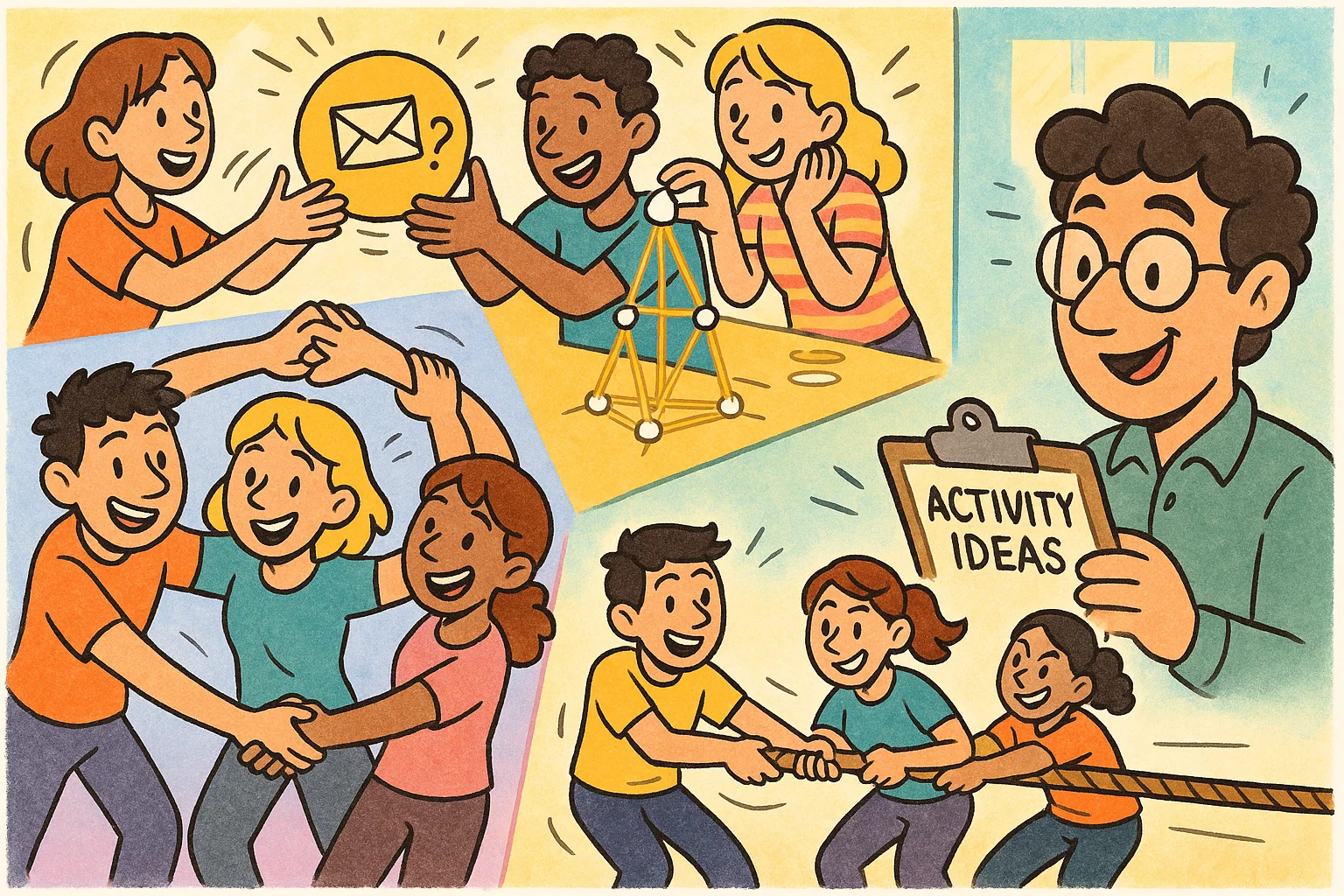
1. Quizzes and Knowledge Checks
Low-stakes checks placed after short modules reinforce core concepts without causing test anxiety. These activities use a variety of question types, including multiple-choice, true/false, and short fill-in-the-blank responses. Providing tailored explanations alongside the results ensures the quiz serves as an active teaching tool.
2. Drag-and-Drop Exercises
This interaction requires learners to sort, rank, or categorize items by dragging them across the screen. For example, compliance training might require sorting actions into “approved” or “prohibited” categories. This hands-on activity provides a highly visual way to test a learner’s conceptual understanding.
3. Real-Life Practice Tasks
These exercises place learners in everyday workplace scenarios, such as reviewing an invoice for billing errors or drafting a response to a customer complaint. Replicating daily job routines ensures the digital training is directly relevant. This targeted practice builds confidence and sharpens practical problem-solving skills.
4. Branching Scenarios
These decision-based paths change dynamically based on the choices learners make. A sales training module might branch into distinct conversations depending on how an objection is handled. This setup demonstrates how early choices impact long-term results, making it ideal for leadership and compliance training.
5. Mystery, Challenge, or Quest
Framing an online course as a mission or a quest transforms standard lessons into a cohesive narrative journey. Learners unlock clues, solve riddles, and complete specific challenges to progress through the story. This narrative structure keeps learners engaged by giving their learning a clear, satisfying purpose.
6. Puzzles for eLearning
Crossword puzzles, sequencing games, and matching tasks offer an engaging alternative to standard vocabulary reviews. These interactive games challenge learners to recall technical definitions, match icons with tools, or organize steps in a process. Puzzles break up monotony while reinforcing foundational knowledge.
7. Video Quizzes
This format inserts interactive questions directly into video streams, pausing playback at key moments. Learners must answer a question, predict a consequence, or analyze a behavior before the video resumes. This technique transforms passive video watching into an active, reflective learning experience.
8. Multiple-Choice Questions
Scenario-based multiple-choice questions challenge learners to apply concepts rather than just memorize facts. Designers include realistic distractors, or incorrect options, and provide explanations that show why the correct answer is best. This structure turns every question into an opportunity for deeper learning.
9. Scenario Experiments
These open-ended sandbox exercises let learners test different combinations of choices to see how outcomes change. For instance, a manager can adjust their communication style in a virtual meeting to see how employee morale changes. These safe digital environments encourage experimentation and deep behavioral analysis.
10. Instructional Games
Simple games built around learning goals—such as racing against a clock or collecting necessary tools—boost engagement. A safety course might challenge learners to find and collect proper personal protective equipment (PPE) before a timer runs out. These activities add energy to straightforward topics.
11. Simulations
High-fidelity simulations replicate complex software systems, medical equipment, or precision-based mechanical procedures. Learners interact with a realistic digital replica, clicking buttons and inputting data exactly as they would on the job. This hands-on practice builds muscle memory and technical competence in a safe environment.
12. Interactive Video
Using clickable hotspots, branching video storylines, and embedded menu overlays allows learners to control their viewing experience. A learner can click an object in a video to view its specifications or select a path to change the narrative direction. This format turns linear video into an interactive asset.
13. Reflective Activities
Reflective exercises prompt learners to pause and consider how course concepts apply to their personal lives or workplaces. Open-ended text fields encourage learners to plan future actions based on what they have learned. This internal processing helps turn abstract concepts into personalized, everyday habits.
14. Journaling Prompts
Short writing prompts placed at the end of emotional intelligence, leadership, or diversity modules support deep introspection. Providing a private digital space allows learners to log personal insights and track growth over time. This targeted writing encourages meaningful, long-term personal development.
15. Self-Assessment Activities
Confidence meters, skill audits, and pre-course rating scales help learners evaluate their current abilities. Comparing these baseline scores with post-course results can provide evidence of personal skill growth. This self-reflection encourages a growth mindset and gives learners more agency over their learning.
16. Case Studies
Presenting a detailed, real-world case study challenges learners to diagnose systemic issues and recommend strategic solutions. Learners analyze financial statements, corporate timelines, or behavioral profiles to make informed choices. This analytical approach sharpens critical thinking and high-level decision-making.
17. Instructional Feedback Activities
Transforming standard corrections into guided learning interactions helps learners learn from mistakes. Instead of simply showing a red X, the platform offers helpful hints, links back to relevant lessons, or custom coaching tips. This supportive approach builds resilience and encourages learners to try again.
18. Mobile-Friendly eLearning Activities
Designing short, tap-friendly interactions ensures online training is accessible on smartphones and tablets. These microlearning activities use vertical scrolling, clear buttons, and simplified navigation to fit busy schedules. Mobile optimization allows learners to study conveniently during commutes or breaks.
19. Interactive Infographics
Clickable process maps, layered diagrams, and interactive timelines allow learners to explore dense information visually. Clicking a section opens definitions, video breakdowns, or more detailed data. This layered layout organizes complex information clearly, preventing learners from feeling overwhelmed.
20. eLearning Scenarios
Short, character-driven stories introduce a specific workplace challenge and prompt learners to choose an immediate solution. These quick scenarios use realistic written dialogue and relatable conflicts to test critical thinking. This contextual framework makes abstract concepts clear and easy to understand.
21. Bite-Sized eLearning Videos
Short videos, ideally under three minutes, help maintain engagement and keep the focus on a single learning objective. Pairing these brief clips with a prediction question or a quick summary task helps learners engage with the content actively. This format delivers key insights rapidly without overloading the learner.
22. eLearning Events
Live webinars, virtual workshops, and real-time expert panels bring a valuable human element to online education. Integrating live chat streams, interactive polls, and shared whiteboards keeps remote audiences actively involved. These structured events create a sense of community and shared purpose.
23. Group Collaboration Projects
Online teamwork activities—such as shared digital brainstorm boards, peer review tasks, and joint document editing—build collaboration skills. Learners work together to solve complex problems and present unified solutions. This social learning approach closely mirrors modern remote workplace dynamics.
24. Story-Centric Serious Games
Serious games wrap educational objectives in an immersive narrative, where learners take on distinct roles and complete specific missions. Success requires applying course concepts to solve story-driven problems and reach measurable goals. This method balances narrative entertainment with deep educational value.
25. Personal Learning Paths
Adaptive learning platforms evaluate a learner’s role, current skills, and goals to build a customized course curriculum. Learners skip past material they have already mastered and focus entirely on areas that need improvement. This tailored approach saves time and keeps motivation high.
26. Video Challenges
Prompting learners to record and upload short video responses allows them to demonstrate practical skills directly. Sales professionals can practice pitches, while customer service agents can practice de-escalation techniques. Reviewing these videos can give instructors useful evidence of interpersonal competence.
27. Daily Wordle-Style Challenges
Short, recurring word puzzles offer a fun way to reinforce industry terminology, compliance acronyms, or product names. Learners get a limited number of attempts each day to guess a key term, earning small bonuses or keeping streaks alive. This habit-building tool supports consistent, long-term recall.
28. Quizlet Live-Style Team Games
Real-time, team-based quiz competitions challenge groups to match definitions and solve problems quickly. Because answers are split across team members’ screens, successful completion requires clear communication and collaboration. This fast-paced game brings energy to review sessions.
29. Taboo-Style Learning Games
This game challenges learners to explain a core concept or technical term without using specific restricted words. Asking learners to avoid obvious vocabulary choices requires deep conceptual understanding and clear communication. This activity deepens comprehension and expands professional expression.
30. Hangman-Style Vocabulary Games
A safer, updated version of the classic word-guessing game helps learners review product models, technical terms, or industry acronyms. Visual clues and contextual hints guide learners toward the correct letter choices. This simple interactive tool provides a light, engaging break during dense modules.
31. Millionaire-Style Quiz Games
Progressive quiz rounds with increasing difficulty, lifelines, and score-tracking systems motivate learners to test their knowledge. Players use lifelines such as “50/50” or “ask an expert” to navigate tough compliance or technical questions. This familiar format adds excitement to routine assessments.
32. Heads Up-Style Review Games
In virtual classrooms, a presenter displays a term that one participant cannot see, while peers provide descriptive clues in chat or over video. This rapid-recall activity encourages the entire group to participate and help their teammate succeed. It serves as an excellent warm-up or review game.
33. Classcraft-Style Role Games
Long-term gamification platforms let learners build avatars, join teams, unlock unique powers, and earn points through positive behavioral choices. Learners earn experience points for completing assignments and participating in discussions, helping their team advance. This model turns daily learning habits into a collaborative game.
34. Scavenger Hunts
Digital scavenger hunts challenge learners to explore course pages, employee handbooks, or external reference sites to find specific facts. Finding all the items can unlock a completion code or a milestone reward. This activity builds self-reliance and familiarizes learners with corporate resources.
35. Q&A Sessions
Moderated question-and-answer boards allow learners to submit inquiries, vote on popular topics, and discuss solutions openly. Instructors and peer mentors provide verified answers, building an organized repository of shared knowledge. This ongoing dialogue clarifies common points of confusion across the group.
36. Real-World Examples
Analyzing actual workplace samples, flawed code, or anonymous client intake forms makes abstract concepts concrete. “Spot the mistake” exercises challenge learners to find errors, compliance violations, or design flaws in real documents. This practical analysis builds real-world inspection skills.
37. Video Demos
Short demonstration videos clearly walk learners through complex click paths, mechanical steps, or sensitive interpersonal conversations. Pausing the demo lets learners click the exact next step on an overlay before the video continues. This visual approach ensures technical procedures are easy to understand and replicate.
38. Online Discussions
Prompting learners with open-ended debate questions encourages meaningful conversation on message boards. Learners share personal insights, critique theories, and build on peer responses within structured threads. This ongoing exchange deepens understanding and fosters a collaborative community.
39. eLearning Assessments
Well-designed final assessments combine branching scenarios, simulations, and interactive questions to verify true mastery. Moving beyond basic rote memorization helps ensure that learners can apply skills effectively under pressure. Earning a passing score can provide evidence of professional readiness.
40. Social Learning Opportunities
Peer mentoring programs, community challenges, and shared knowledge boards encourage ongoing collaboration. Learners are invited to share successful tips, answer peer questions, and celebrate milestones together. This continuous interaction helps build a supportive, community-driven learning environment.
41. Badges and Achievement Challenges
Digital badges recognize specific accomplishments like finishing a difficult module or maintaining a multi-day study streak. Displaying these rewards on learner profiles provides visible recognition of hard work and expertise. This reward system encourages friendly competition and ongoing professional growth.
42. Leaderboard Challenges
Leaderboards show learner rankings based on points, speed, or accuracy, adding an exciting competitive element to training. To keep the environment encouraging, platforms can use team scores or private rankings rather than public individual lists. This balanced design motivates competitive learners without discouraging others.
43. Escape Room Activities
Timed virtual escape rooms require groups or individual learners to solve interconnected puzzles before unlocking the next section of a course. Each resolved puzzle reveals a clue needed for the final challenge, testing time management and critical thinking. This immersive format makes comprehensive reviews highly engaging.
44. Choose-Your-Own-Adventure Courses
Branching storylines put learners in control of a character navigating a complex career path or regulatory issue. Every major choice changes the story’s direction and can lead to different endings based on performance. This interactive structure makes exploring professional consequences memorable.
45. Flashcard Battles
Timed, rapid-fire flashcard rounds build quick recall of essential formulas, vocabulary words, or product specs. Combining spaced repetition with competitive scoring can help learners focus systematically on their weakest areas. This quick activity offers an efficient way to sharpen foundational knowledge daily.
Gamification Elements in eLearning
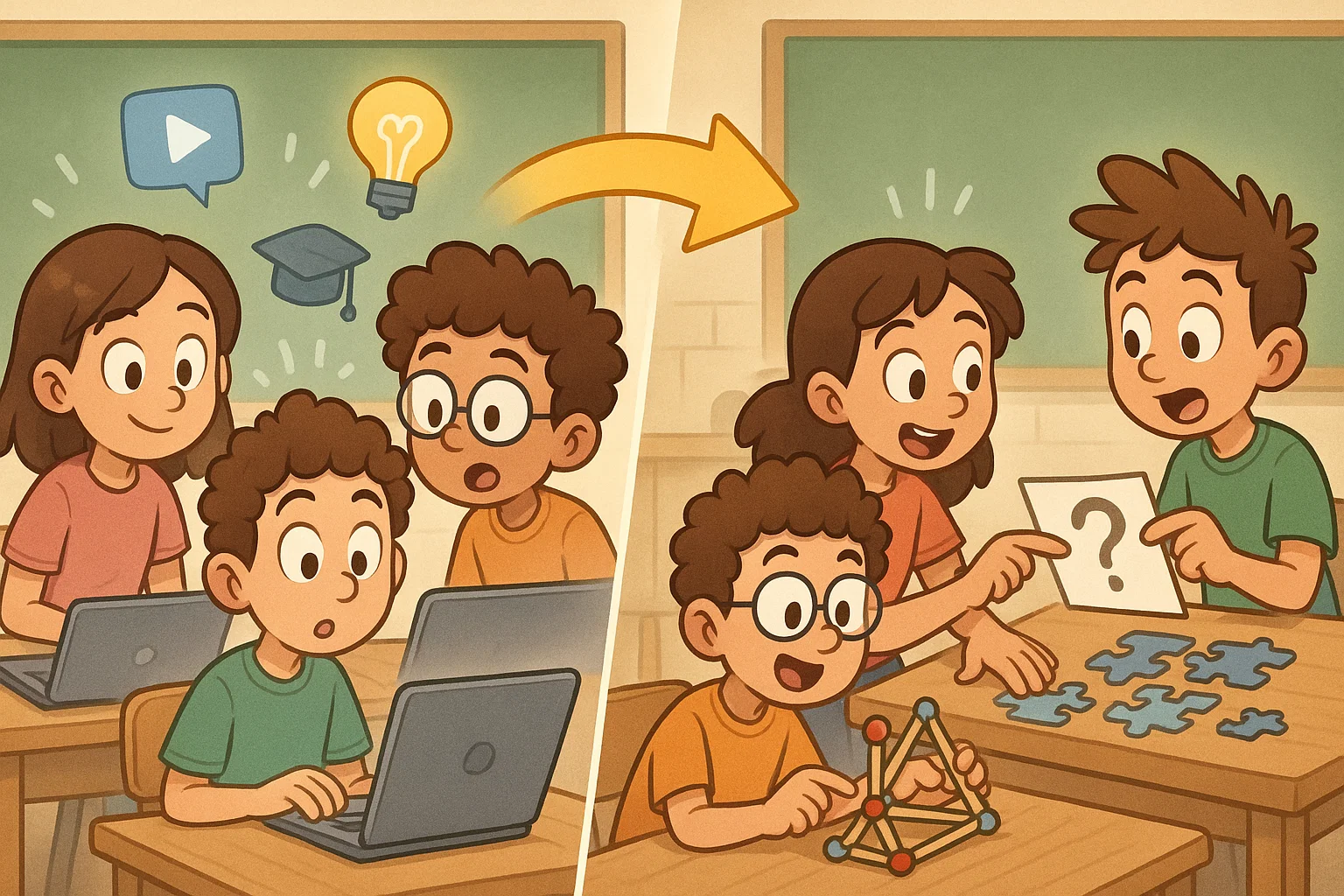
Points and Scores
Point systems offer an objective way to track progress and reward effort across digital platforms. Learners earn points for completing modules, answering quiz questions correctly, or participating in discussion boards. This consistent feedback shows learners their dedication is recognized, encouraging them to improve their scores on future attempts.
Badges and Rewards
Digital badges serve as visual proof of mastery, celebrating specific milestones like completing a course or demonstrating technical accuracy. These awards acknowledge specialized skills that basic completion certificates might miss. Displaying achievements on corporate profiles gives learners a sense of pride and professional status.
Levels and Progression
Organizing an eLearning course into distinct levels gives learners a clear sense of advancement. Learners must master fundamental skills in initial modules before unlocking more complex, specialized topics. This step-by-step layout keeps learners from feeling overwhelmed, ensuring they build confidence as they progress.
Challenges and Missions
Framing routine learning assignments as specific missions with clear goals and constraints changes the learner’s perspective entirely. Instead of just reading a safety policy, learners are tasked with auditing a virtual factory floor. This active phrasing makes coursework feel relevant and purposeful.
Leaderboards and Team Scores
Leaderboards encourage friendly competition by displaying top scores across modules or entire training programs. Using team-centered metrics or private scoreboards helps keep the environment supportive and inclusive for learners with different preferences and comfort levels. This community-focused competition inspires teams to collaborate and achieve higher performance goals together.
Streaks and Daily Practice
Streak counters reward learners for logging in and completing small activities every day, helping them build consistent study habits. This steady, spaced review keeps information fresh and improves long-term memory retention. Encouraging daily interaction transforms training from a chore into a seamless part of the routine.
Why Gamification Matters for eLearning
Gamification Encourages Active Participation
Effective gamified courses ask learners to make choices, solve puzzles, and respond to scenarios regularly. This hands-on dynamic reduces passive screen fatigue, keeping attention high. When learners drive the experience, they are more likely to understand and remember the material.
Gamification Makes Progress Visible
Using progress bars, unlocked modules, and achievement trackers shows learners exactly how far they have come. This transparent layout supports learners’ sense of progress and encourages them to finish the training. Visualizing progress can help maintain motivation throughout long educational programs.
Gamification Supports Practice Without Risk
Gamified modules provide a safe environment where learners can make mistakes and learn from failures without real-world consequences. If a learner handles a virtual scenario incorrectly, they receive instant coaching feedback and can try again right away. This risk-free practice builds operational confidence and sharpens critical thinking.
Gamification Helps Trainers Measure Skill Growth
Detailed gamification analytics give instructors real-time data on quiz scores, simulation attempts, and completion times. This tracking highlights common areas where learners struggle, showing where content may need adjustment. Data-driven insights help keep corporate training focused on actual needs.
Best Practices for Designing Interactive eLearning
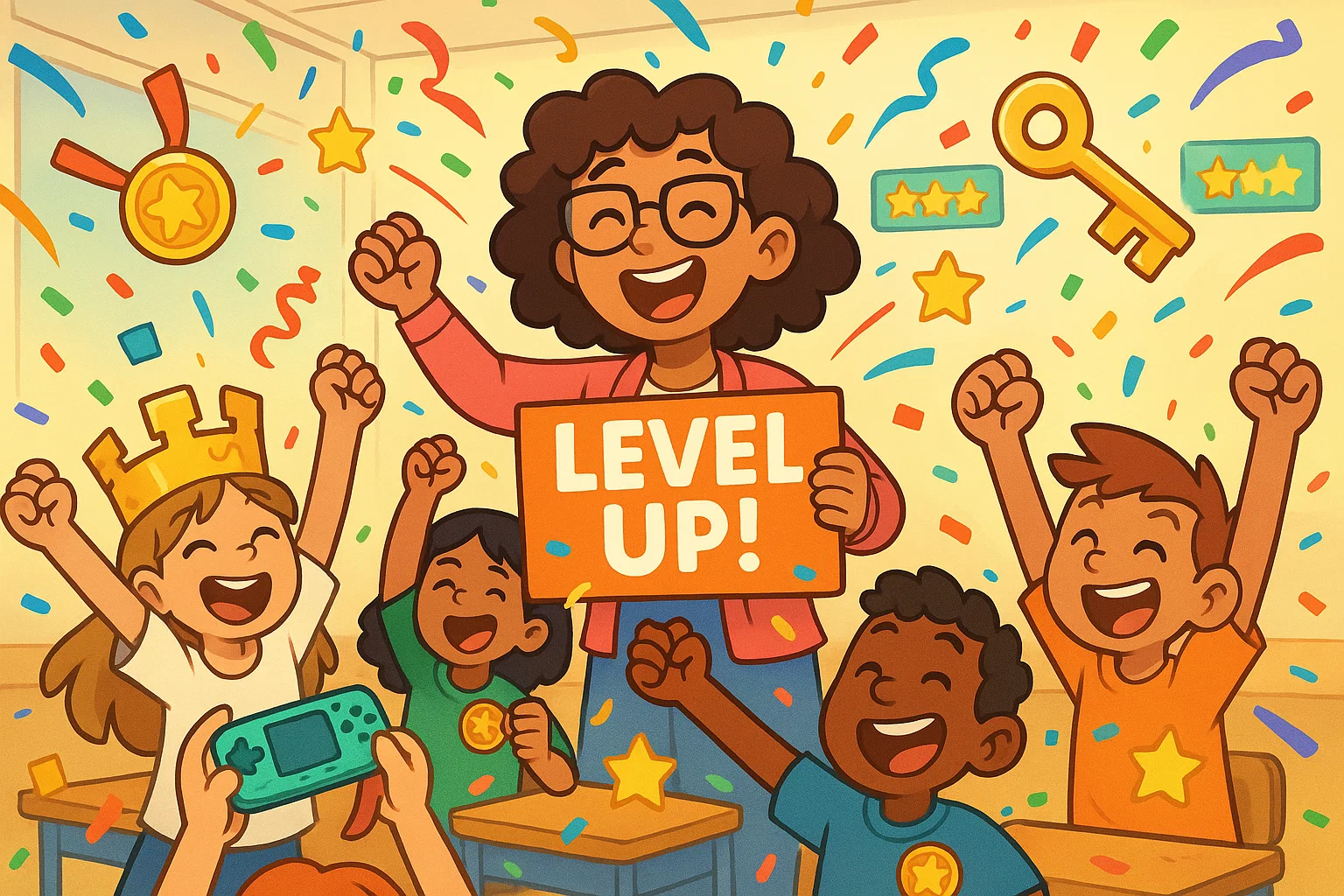
Match Activity Type with Learning Goal
Select interactive formats that directly support your specific instructional goals. Rote vocabulary recall can be reinforced efficiently through quick puzzles, while complex behavioral changes often require realistic branching scenarios. Aligning the activity with the target skill helps your training deliver more measurable results.
Keep Rules Simple
Ensure game mechanics are intuitive and clear so learners can focus entirely on the educational content. Complicated rules and confusing navigation cause frustration, which distracts from the actual learning goals. Clear instructions and simple layouts keep the focus on building professional skills.
Make Feedback Specific
Provide descriptive feedback that explains why a choice was correct or incorrect, moving beyond simple praise or correction. Effective coaching guides learners toward the right logic, helping them understand what steps to take next. This immediate clarification transforms mistakes into valuable learning opportunities.
Use Realistic Context
Incorporate authentic work scenarios, familiar dialogue, and actual workplace documents into every exercise. Replicating the daily environment ensures the digital training is directly relevant to the learner’s job. This realistic framework helps skills learned online translate smoothly to everyday operations.
Balance Fun with Learning Value
Ensure entertaining elements like animations, timers, and stories always support the core educational objectives. Flashy features that do not connect to actual competencies waste time and distract the learner. Keeping your design focused on clear goals helps the training remain effective and professional.
Design for Accessibility
Design your interactive modules to meet relevant Web Content Accessibility Guidelines (WCAG), including screen reader support, keyboard navigation, and alt text. Accessible design helps more learners navigate the platform comfortably, regardless of device, context, or ability. Prioritizing inclusion helps create a more equitable learning experience for all learners.
Test Activities Before Launch
Conduct thorough pilot testing across multiple devices to find bugs, navigation issues, and confusing instructions before the official rollout. Gathering early feedback from a sample learner group helps refine the pacing and usability of the course. Regular quality checks help ensure a polished, professional launch.
How to Gamify an eLearning Course
Define the Learning Outcome
Identify the precise skill, behavior, or compliance standard that needs improvement before selecting any game elements.
Choose the Game Mechanic
Select an interaction type—such as a branching scenario, puzzle, or simulation—that naturally supports the core learning goal.
Create the Challenge Path
Organize the content into a clear progression, moving from basic warm-up exercises to advanced real-world challenges.
Add Feedback and Rewards
Integrate automated scoring, descriptive coaching hints, and digital achievements to recognize learner progress.
Measure Learner Performance
Use platform analytics to review completion rates, accuracy scores, and learner behavior, refining the training over time.
eLearning Game Examples by Training Goal
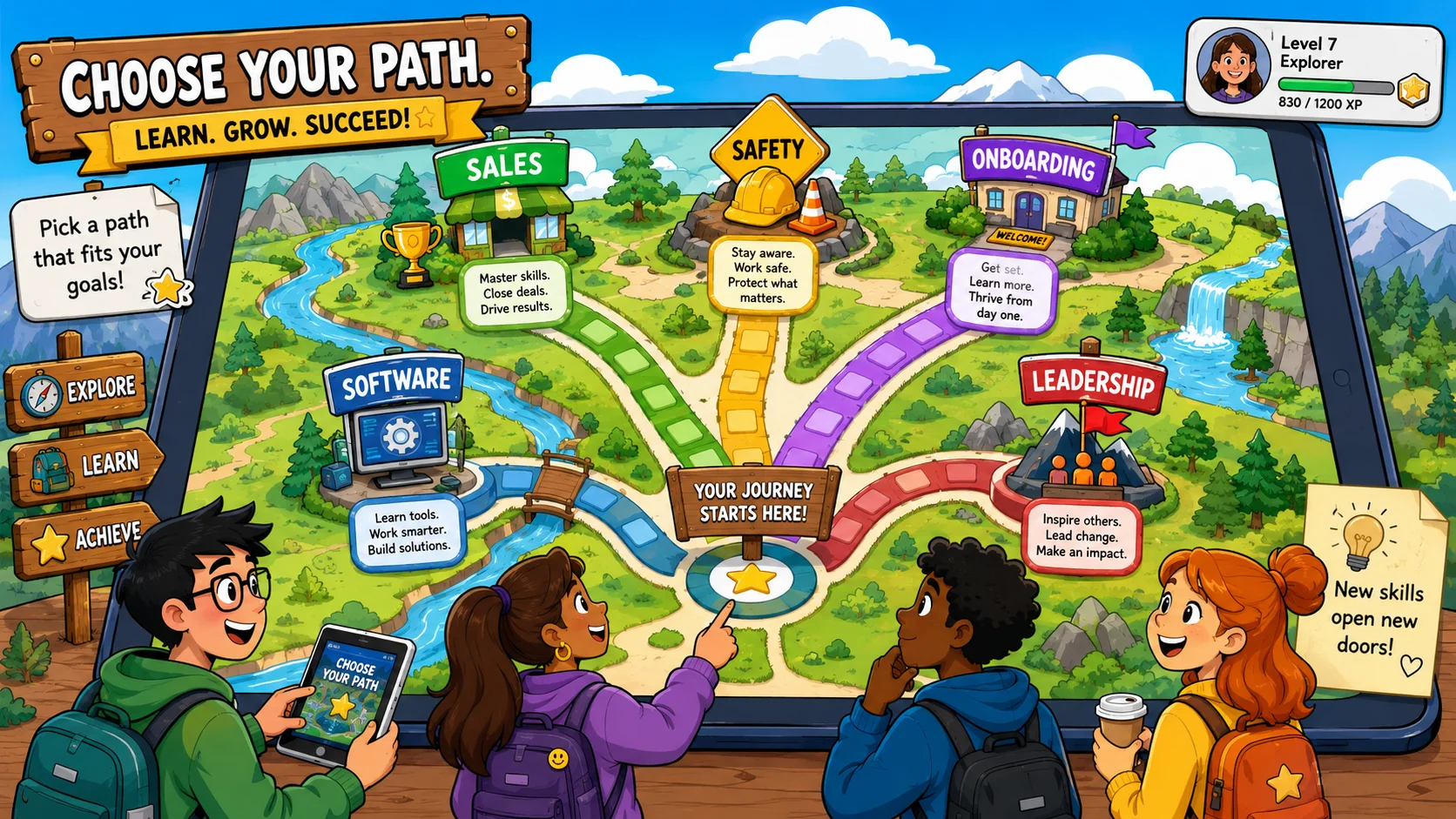
Different corporate training goals require specific game designs to develop and assess skills effectively. The table below maps game styles to distinct corporate training needs.
| Training Goal | Ideal Game Style | Key Focus Area |
| Compliance Training | Risk-spotting hidden-object games | Identifies safety hazards or regulatory violations in real-world workplace settings. |
| Sales Training | Branching conversation challenges | Teaches effective objection handling, negotiation tactics, and client relations. |
| Onboarding | Digital corporate scavenger hunts | Guides new hires through company culture, tool setup, and policy directories. |
| Software Training | Click-path platform simulations | Builds technical mastery and system troubleshooting skills through hands-on practice. |
| Safety Training | Consequence-driven scenario tasks | Shows the immediate, high-stakes outcomes of choosing specific safety protocols. |
| Leadership Training | Extended role-playing serious games | Focuses on coaching, strategic team planning, and handling workplace conflicts. |
Compliance Training Games
Transform dry regulatory updates into engaging risk-spotting games or policy puzzles. Learners review a virtual workspace to identify compliance infractions, earning points for every hazard found. This active analysis turns mandatory training into a practical challenge that sharpens situational awareness.
Sales Training Games
Use branching conversation games to let sales professionals practice handling tough client objections in real time. Sales representatives select responses that influence the buyer’s reactions and move the conversation toward a successful outcome. This interactive practice refines negotiation techniques and communication skills before live client meetings.
Onboarding Games
Welcome new hires with interactive scavenger hunts that guide them through team directories, benefits portals, and company handbooks. Completing these exploratory tasks can unlock early profile achievements and introduce team goals. This structured approach helps new hires become more self-sufficient and gives them a welcoming introduction to company culture.
Software Training Games
Provide interactive software simulations where employees practice navigating new technical systems step by step. The platform guides learners through live click paths, prompting them to enter data or resolve errors in a secure sandbox. This hands-on repetition builds technical competence without risking real data.
Safety Training Games
Use consequence-driven scenarios to show the immediate results of following or ignoring proper safety rules. A learner’s choices determine whether a simulated task is completed safely or whether an accident occurs. Highlighting these outcomes vividly underscores the value of proper safety gear and procedures.
Leadership Training Games
Challenge managers with complex role-playing games that focus on coaching employees and handling workplace conflicts. Leaders navigate tough conversations, see the impact of their choices on team morale, and reflect on their leadership style. This immersive training deepens emotional intelligence and strategic communication skills.
Common Mistakes in eLearning Games and Activities
Adding Game Mechanics Without a Learning Goal
Adding point systems or badges to a course without linking them to specific skills creates shallow engagement. Learners focus on earning rewards rather than understanding the content, which undermines the educational value. Every game element must support a core learning objective directly.
Making Activities Too Complex
Overcomplicating games with confusing rules and difficult navigation causes cognitive overload and frustration. When learners spend more energy figuring out how to play than engaging with the material, retention can drop. Keeping instructions simple ensures the focus remains on learning.
Using Competition for Every Learner
Relying entirely on public, individual leaderboards can discourage learners who dislike public rankings. Introducing private progress tracking or collaborative team challenges keeps the environment supportive for everyone. A balanced design motivates competitive individuals while keeping the course welcoming for all.
Giving Generic Feedback
Providing basic “correct” or “incorrect” responses misses a valuable opportunity to reinforce core concepts. Without a clear explanation, learners may remain confused about why a specific choice failed. Delivering detailed, constructive coaching hints helps learners understand the logic and improve immediately.
Ignoring Accessibility
Failing to optimize drag-and-drop exercises or videos for screen readers and keyboard use leaves out individuals with disabilities. Inaccessible design creates frustrating barriers to professional development. Prioritizing universal design helps create a smooth, equitable learning experience for every learner.
FAQ About Learning Games and Activities for eLearning
How Do Online Games Make Learning More Engaging?
Online games make learning more engaging by giving users a clear goal, immediate feedback, and a reason to stay involved. Instead of reading or watching content passively, students make choices, solve problems, and test what they have learned in real time. This format can make learning feel more active, practical, and memorable.
What Are the Benefits of Online Learning Games for Kids?
The benefits of online learning games for kids include stronger attention, better recall, and more opportunities to practice new concepts in a safe environment. Well-designed activities for kids help them build skills gradually by asking them to match, sort, read, count, choose, or solve problems. For example, reading games can help kids master vocabulary, while puzzle-based activities help kids develop logic and pattern-recognition skills.
What Are the Best Online Games for Classroom Learning?
The best online games for classroom learning are the ones that match the lesson goal rather than simply entertain students. Useful classroom games include multiple-choice challenges, reading games, matching activities, scavenger hunts, and team quizzes. These school games can keep students engaged while helping them apply what they have learned in a structured way.

Take a short quiz to find out what your everyday choices say about your parenting style
When your child is curious about something new, what’s your instinct?
Take a short quiz to find out what your everyday choices say about your parenting style
“Can I download this app?” What happens next?
Take a short quiz to find out what your everyday choices say about your parenting style
When it comes to rules at home, which sounds most like you?
Take a short quiz to find out what your everyday choices say about your parenting style
If you could give your child one life skill today, what would you pick?
Take a short quiz to find out what your everyday choices say about your parenting style
Your child gets to choose what to watch. What would your ideal setup look like?
Take a short quiz to find out what your everyday choices say about your parenting style
Pick your parenting superpower ✨



